AI Interior Design Software: Best Online & Desktop Tools for 2026
Compare the best AI interior design software for 2026. From desktop programs to mobile apps, find the perfect AI design assistant for your next room makeover.

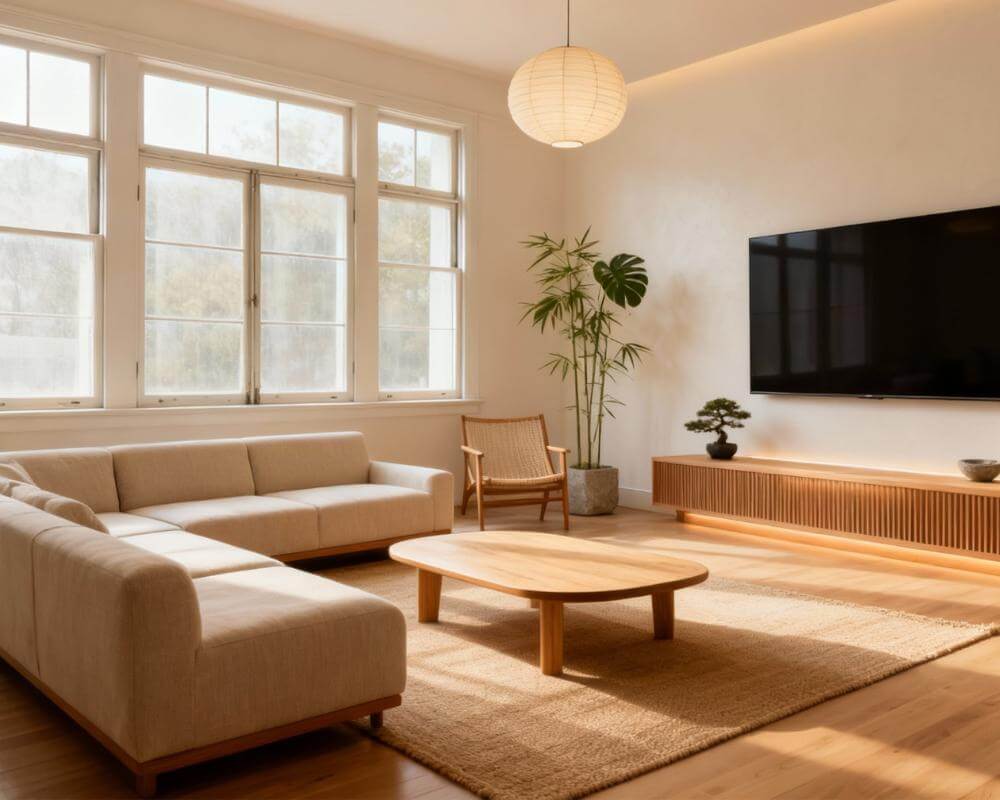
Gone are the days when redesigning a room meant hiring an expensive interior designer or spending weeks learning complex 3D modelling software. Today, AI interior design software can transform a simple photo of your room into a professionally styled space in seconds — no design experience required.
Whether you're a homeowner planning a renovation, a real estate agent staging properties, or a design enthusiast exploring new styles, the right AI design app can save you thousands of dollars and countless hours. But with so many AI interior design tools flooding the market in 2026, how do you choose the best one for your needs?
In this comprehensive guide, we'll break down everything you need to know about AI interior design software — from how the technology works to what features matter most, and how to get professional-quality results without the professional price tag.
How AI Interior Design Software Works
At its core, AI interior design software uses deep learning models trained on millions of professionally designed interiors. When you upload a photo of your room, the AI analyses the spatial layout, lighting conditions, existing furniture, and architectural features. It then generates a photorealistic rendering of your space transformed into the style you've selected.
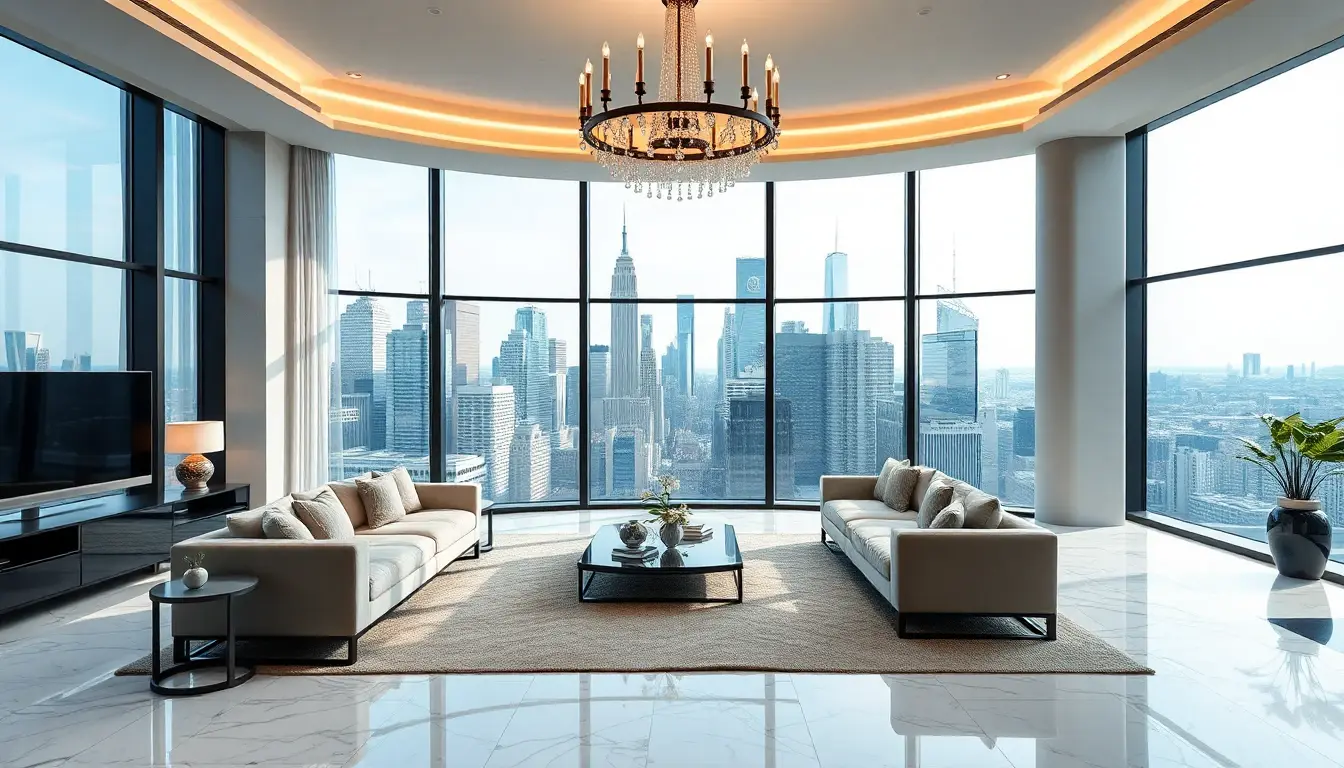
The most advanced tools go beyond simple style filters. They understand perspective, maintain accurate room proportions, and can even suggest furniture arrangements that optimise traffic flow and natural light. This is what separates true AI design assistants from basic photo editing apps with a "design" label.
Types of AI Interior Design Software
Not all AI interior design tools are built the same. Understanding the different categories helps you pick the right tool for your specific needs.
1. Mobile-First AI Design Apps
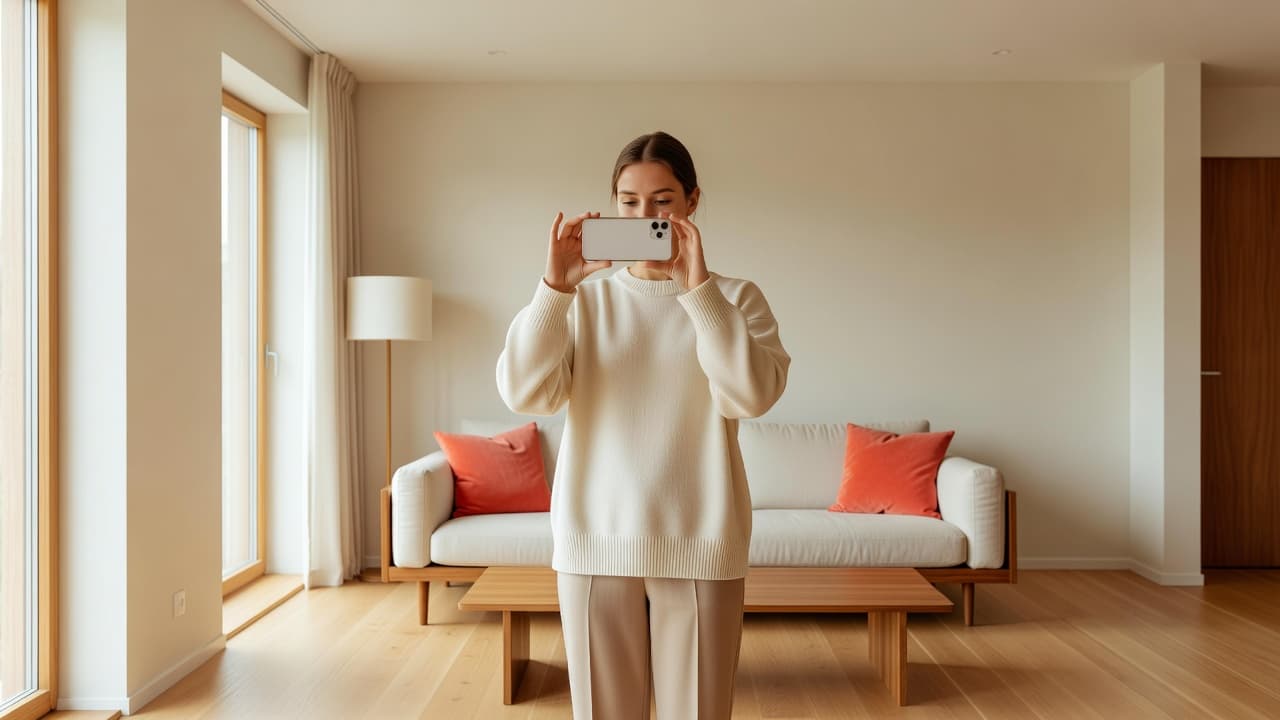
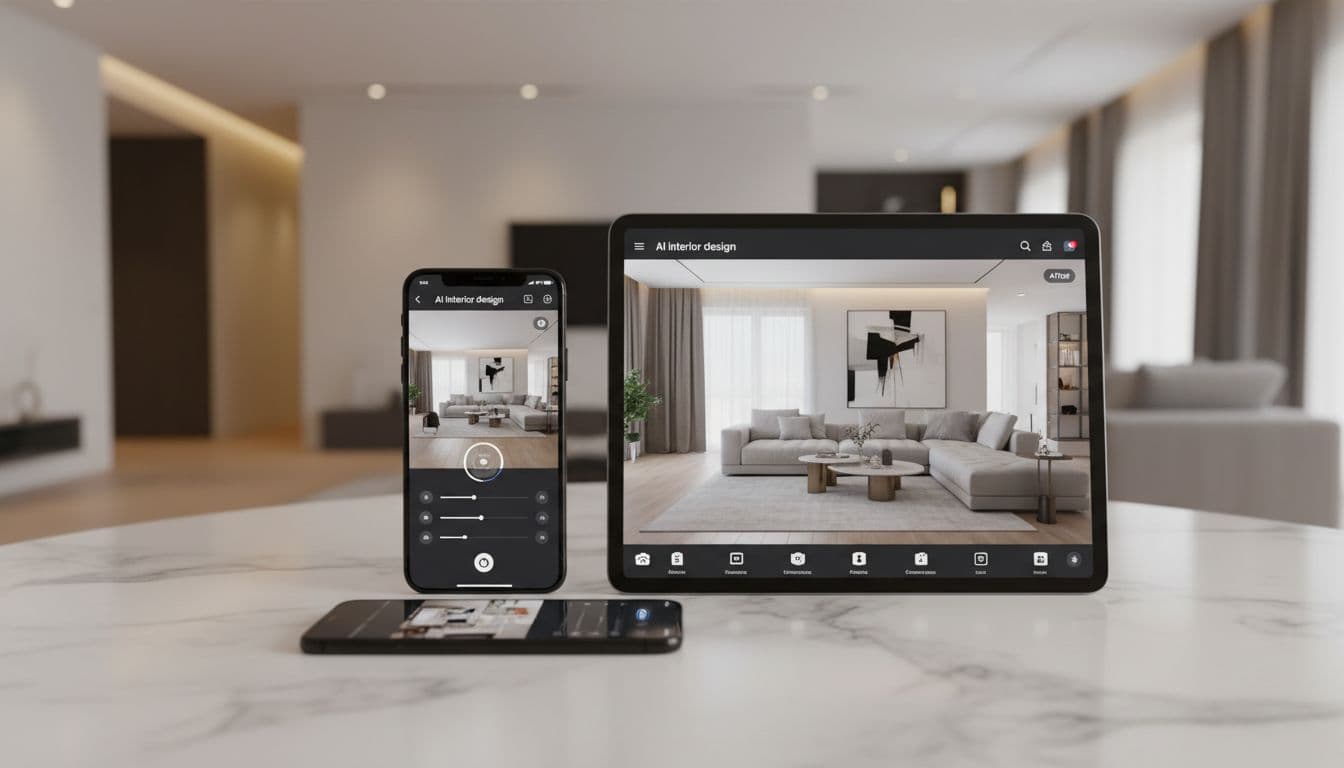
These are the most accessible option for most people. You snap a photo on your phone, select a style, and get results in under a minute. The best mobile apps combine convenience with quality that rivals desktop software.
Best for: Quick room visualisations, style exploration, before-and-after comparisons, social media content.
DecorAI is the leading mobile-first AI design app, available on iOS and Android. It supports 60+ design styles, delivers photorealistic results, and offers a free tier so you can test before committing.
2. Web-Based AI Design Platforms
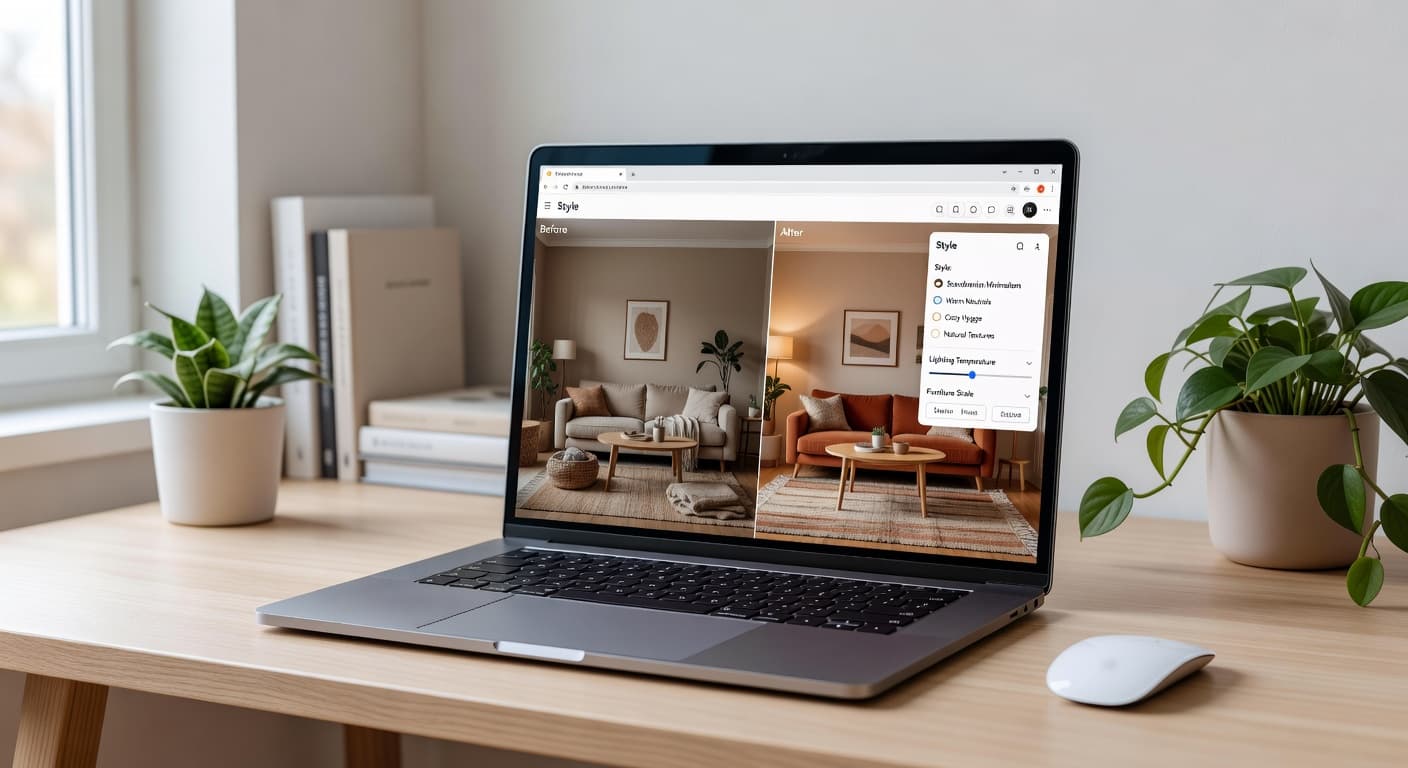
Browser-based tools are ideal if you want to work on a larger screen without installing software. Many offer collaboration features, making them popular with design professionals who share concepts with clients.
Best for: Professional presentations, client collaboration, working across devices.
3. Desktop AI Design Software
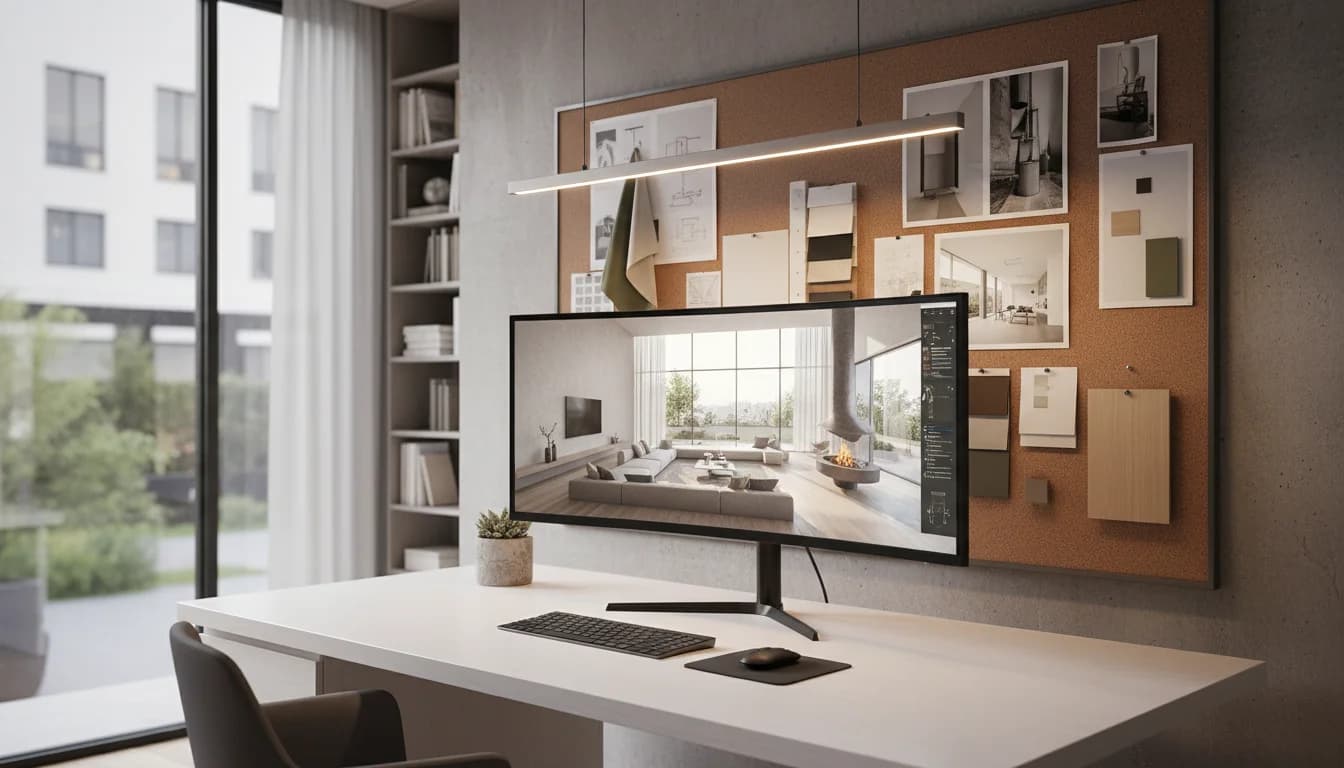
Traditional desktop programs are adding AI features to their existing toolsets. These offer the most control but have steeper learning curves and higher price points.
Best for: Professional designers, architects, and contractors who need precise measurements and CAD integration.
Key Features to Look for in AI Interior Design Software
With dozens of tools available, these are the features that separate the genuinely useful from the gimmicky.
Photorealistic Output Quality
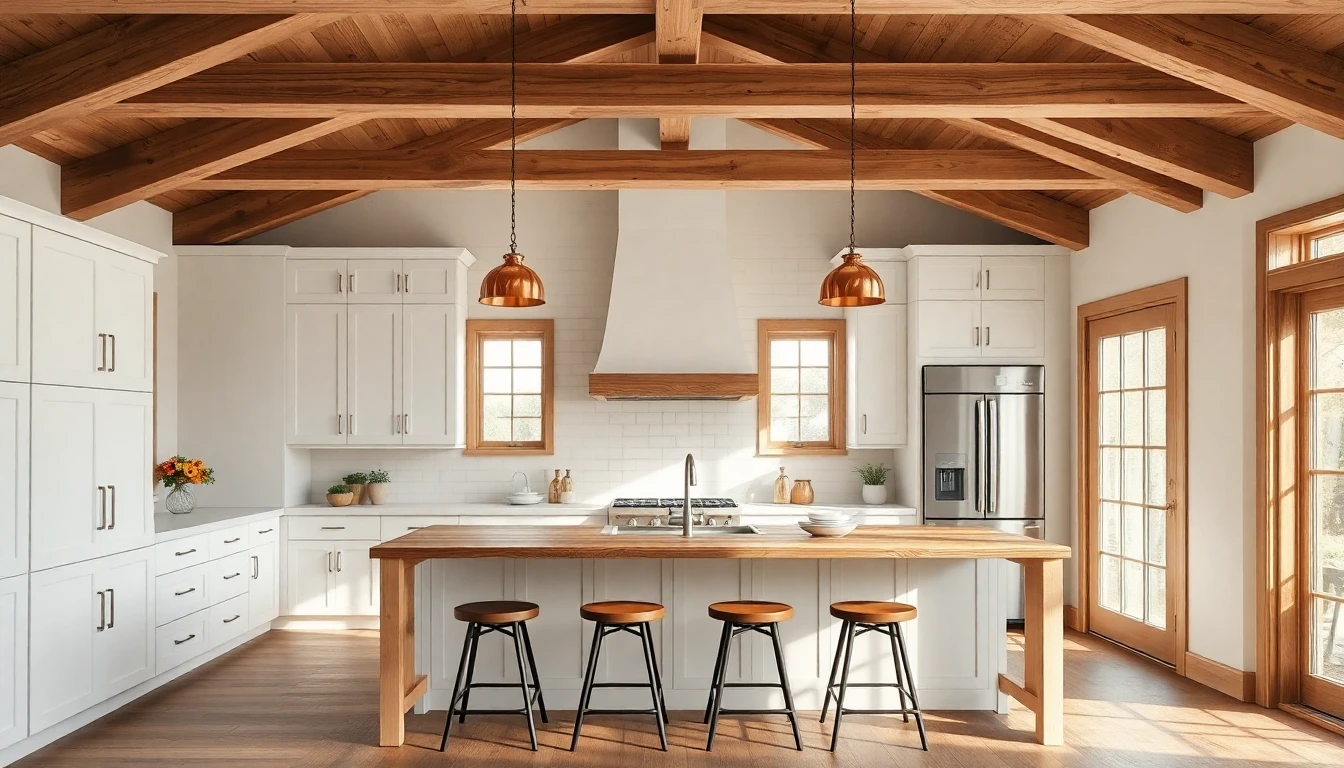
The most important feature is output quality. Cheap tools produce results that look obviously fake — blurry textures, warped furniture, or impossible lighting. The best AI interior design software generates images that are nearly indistinguishable from professional photography.
Look for tools that maintain your room's actual proportions and architectural details while transforming the décor. If the AI changes your window shapes or room dimensions, it's not sophisticated enough for serious use.
Style Variety
A good AI design tool should offer at least 15-20 distinct interior design styles. The essential styles include:
- Modern / Contemporary — Clean lines, neutral palettes, minimalist furniture
- Scandinavian — Light wood, white walls, functional simplicity
- Industrial — Exposed brick, metal accents, raw textures
- Mid-Century Modern — Organic curves, warm tones, retro-inspired pieces
- Bohemian — Layered textiles, rich colours, eclectic mix
- Farmhouse — Rustic charm, shiplap, natural materials
- Japandi — Japanese minimalism meets Scandinavian warmth
- Art Deco — Bold geometric patterns, luxurious materials
DecorAI supports all of these and more — check out our full style guide to see every available option with example transformations.
Room Type Support
Your AI design assistant should handle every room in your home, including:
- Living rooms and lounges
- Bedrooms (master, guest, children's)
- Kitchens and dining areas
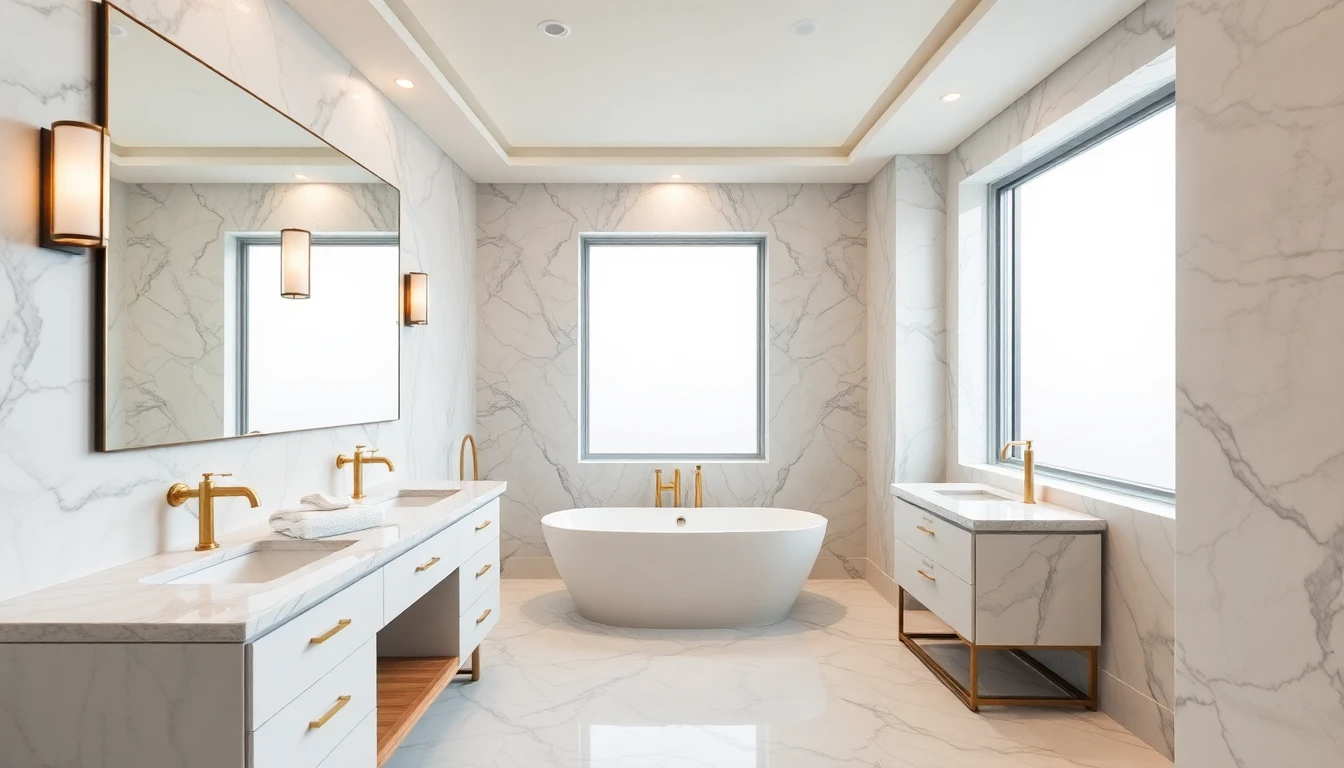
- Bathrooms and en-suites
- Home offices and studies
- Outdoor spaces, patios, and gardens
Speed and Ease of Use
The whole point of using AI is speed. If a tool takes 10 minutes to generate one image or requires you to draw floor plans first, it defeats the purpose. DecorAI usually delivers results in under 10 seconds from a single photo upload, while other tools vary.
Before-and-After Comparison
A built-in comparison slider makes it easy to show the transformation to partners, clients, or contractors. This feature is especially valuable for real estate staging and renovation planning.
Export and Sharing Options
Look for tools that let you download high-resolution images, share via link, or export to PDF for professional presentations. Some tools restrict export quality to paid tiers, so check this before committing.
AI Interior Design Software vs Traditional Design Tools
How does AI-powered software stack up against the traditional tools designers have used for years?
| Feature | AI Design Software | Traditional CAD/3D Tools |
|---|---|---|
| Learning Curve | Minutes | Weeks to months |
| Time to First Result | Seconds to minutes | Hours to days |
| Cost | Free to £20/month | £50-£300/month |
| Precision | Good for visualisation | Exact measurements |
| Photorealism | Excellent | Requires skill |
| Best For | Concept & inspiration | Construction docs |
For most homeowners, AI design software is more than sufficient. If you need construction-ready blueprints, traditional tools still have their place — but AI is perfect for the idea and planning phase. According to the Architectural Digest, AI design tools have become the fastest-growing category in home improvement technology.
How to Get the Best Results from AI Interior Design Software
Even the best AI design app needs good input to produce great output. Follow these tips for professional-quality results:
1. Take Better Photos
Shoot in landscape orientation with as much of the room visible as possible. Natural daylight produces the best results. Avoid extreme angles — shooting from a corner at roughly eye level gives the AI the most information to work with.
2. Try Multiple Styles
Don't settle on the first result. Run your photo through 4-5 different styles to discover combinations you might not have considered. Many people are surprised to find they love a style they'd never have picked from a catalogue.
3. Focus on One Room at a Time
AI works best with clear, single-room photos. If your open-plan kitchen and living room are in one shot, you might get better results by photographing each zone separately.
4. Use Results as a Starting Point
AI-generated designs are brilliant for establishing direction. Use them to communicate your vision to contractors, find furniture that matches the style, or create mood boards. The Houzz design community recommends using AI renders alongside physical samples for the most accurate planning.
Who Benefits Most from AI Interior Design Software?
Homeowners and Renters
Visualise changes before spending money. Test paint colours, furniture styles, and layouts without moving a single piece. Even renters can explore what's possible within their lease restrictions.
Real Estate Professionals
Virtual staging with AI costs a fraction of physical staging. Show potential buyers what a property could look like furnished, or help sellers understand what updates would maximise their sale price.
Interior Designers
Speed up your concept phase dramatically. Present multiple style options to clients in the first meeting instead of spending days on mood boards. AI is a productivity tool, not a replacement for your expertise.
Property Developers
Quickly visualise finishes for new builds. Test different design directions for show homes without commissioning full renders from 3D artists.
The Future of AI Interior Design Tools
AI interior design software is evolving rapidly. In the next 12-18 months, expect to see:
- Furniture identification and shopping — AI will identify pieces in your generated design and link directly to where you can buy them
- Augmented reality integration — View your AI-designed room through your phone's camera in real time
- Voice-controlled design — Describe what you want in natural language and watch the AI adjust in real time
- Multi-room coherence — Design your entire home with a consistent style that flows naturally between rooms
These features are already on the roadmap for leading platforms. The gap between professional interior design and AI-assisted design is closing fast.
Getting Started with AI Interior Design Software Today
The best way to understand what AI interior design software can do is to try it yourself. DecorAI offers a free tier that lets you transform your rooms instantly — no credit card required, no design skills needed.
For more on how AI is transforming home design, read our complete guide to AI interior design or explore the latest trends for 2026.
Try the Best AI Interior Design Software Free
Upload a photo. Pick a style. See your room transformed in seconds. No design experience needed — just your imagination.
Try DecorAI Free

Visualize Your Dream Home Instantly
Don't just read about it. Experience the power of AI interior design with DecorAI's free tool.
Start Designing for FreeWritten by
DecorAI Team
Editorial Team