AI Home Renovation Apps: Best Free & Paid Options Compared in 2026
Compare the best AI home renovation apps in 2026. Free and paid options reviewed with pros and cons for kitchens, bathrooms, and whole-home remodels.


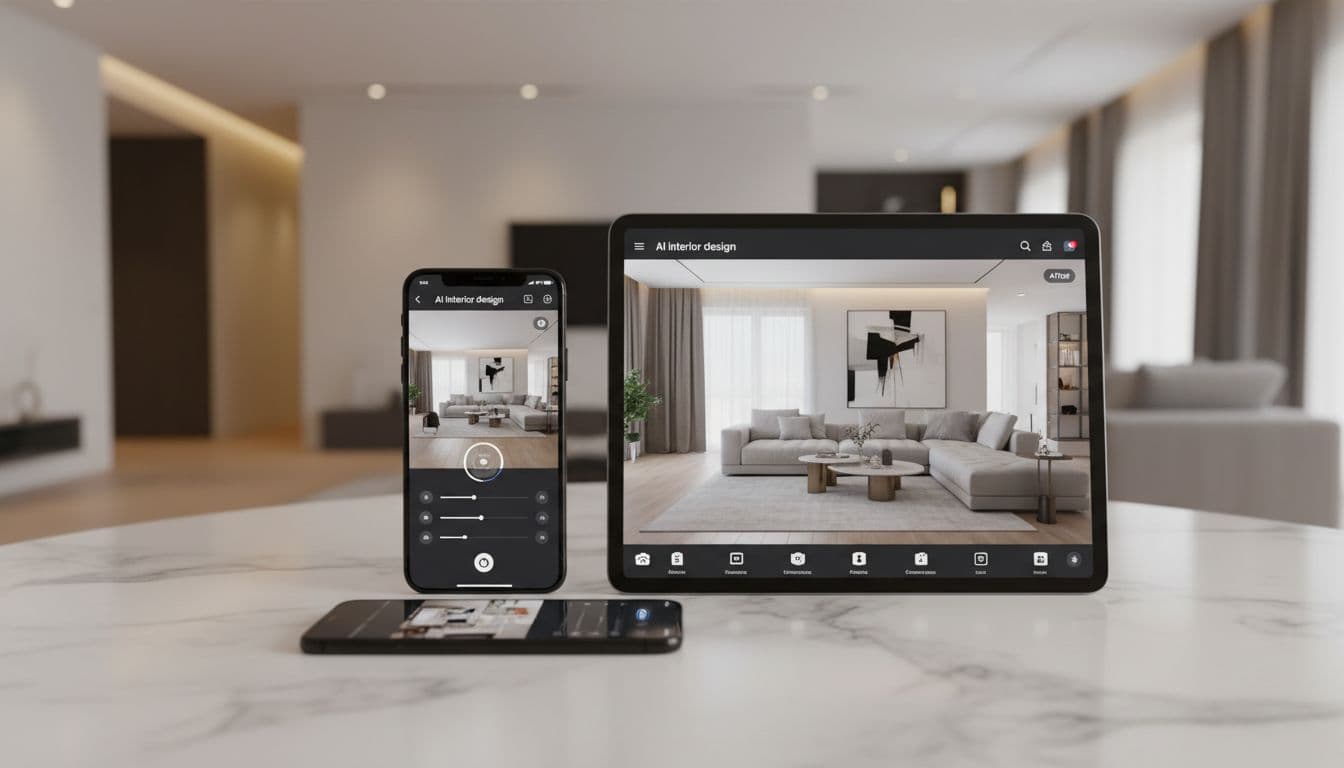
Planning a home renovation is exciting — until the costs start piling up. Hiring a designer for concept visualisations, ordering material samples, and hoping the end result matches your imagination can quickly drain both your budget and your patience. That's where AI home renovation apps change the game entirely.
With the right AI remodeling app, you can photograph any room in your house and see exactly what it would look like after a renovation — in seconds, not weeks. Whether you're planning a full kitchen gut-job or a simple bathroom refresh, these apps let you experiment with styles, materials, and layouts before committing a single dollar.
But which AI renovation apps are actually worth using? And do the free versions deliver results you can trust? In this guide, we compare the best options available in 2026, covering features, quality, pricing, and which app comes out on top.
Why You Need an AI Renovation App Before Remodelling
The traditional renovation process is risky. You describe your vision to a contractor, they interpret it their way, and the result may not match what you had in mind. According to the Better Homes & Gardens renovation survey, nearly 40% of homeowners say their renovation didn't turn out as expected.
An AI home renovation app eliminates this guesswork. Here's why savvy homeowners are using them before picking up a hammer:
- Visualise before you spend — See the finished result before buying a single tile or tin of paint
- Compare multiple options — Try 10 different kitchen styles in the time it takes to look at one paint swatch
- Communicate clearly — Show your contractor exactly what you want instead of trying to describe it
- Budget more accurately — When you know exactly what materials and style you want, estimates are more precise
- Avoid costly regrets — The cheapest renovation mistake is the one you catch before it happens
What Makes a Great AI Home Renovation App
Not every app that claims to use AI actually delivers useful results. Here's what separates the genuinely helpful AI renovation design tools from the rest:
Photorealistic Rendering
The AI should produce images that look like professional interior photography — not blurry, distorted messes. The best apps maintain your room's actual dimensions, window placements, and architectural features while transforming the décor and finishes.
Room-Specific Intelligence
A kitchen renovation has completely different requirements from a bedroom refresh. The best AI remodeling apps understand the difference — they won't put a bathtub in your kitchen or carpet in your bathroom. Look for apps that offer room-type-specific styles and suggestions.
Speed
If an app takes 5 minutes to generate one image, you'll lose patience before you've tried enough options to make a decision. DecorAI usually produces results in under 10 seconds, letting you explore dozens of possibilities in a single sitting.
Style Variety
Your AI renovation app should cover the full spectrum of design styles, from traditional and transitional to ultra-modern and industrial. More styles mean more chances of finding something that perfectly matches your taste and budget.
Must-Have Features in AI Remodelling Apps
Beyond the basics, here are the features that make the difference between a useful tool and a novelty:
Before-and-After Comparison
A side-by-side or slider view that lets you compare the original room with the AI renovation render. This is essential for showing partners, family members, or contractors what you're planning. It's also incredibly satisfying to see the transformation.
Multiple Design Styles per Room
The ability to generate the same room in different styles without re-uploading. This lets you quickly compare a modern kitchen vs. a farmhouse kitchen vs. a transitional kitchen — all from the same photo.

High-Resolution Downloads
If you can't download your AI renovation renders in high enough quality to show a contractor on a tablet or print for a meeting, the app isn't delivering full value. Look for apps that offer at least 1080p exports.
Exterior Support
Many AI renovation apps only handle interior rooms. If you're planning exterior work — new siding, landscaping, porch additions — make sure the app supports outdoor spaces too.
Privacy and Data Handling
You're uploading photos of your home, so data privacy matters. The best apps process images securely and don't share your photos with third parties or use them for training without consent.
Free vs Paid AI Renovation Apps: What's the Difference?
Most AI home renovation apps offer both free and paid tiers. Here's what you can typically expect at each level:
What Free Tiers Usually Include
- A limited number of room transformations per day or month (typically 3-5)
- Access to basic design styles (usually 5-10 styles)
- Standard resolution output
- Watermarked or lower-quality images in some apps
What Paid Tiers Add
- Unlimited or significantly more transformations
- Full style library (15-60+ styles)
- Higher resolution and watermark-free downloads
- Priority processing (faster generation times)
- Advanced features like room layout suggestions or colour matching
The good news: many apps offer genuinely useful free tiers that let you test the quality before upgrading. If you're only renovating one room, a free tier might be all you need.
Why DecorAI Is the Best AI Renovation App
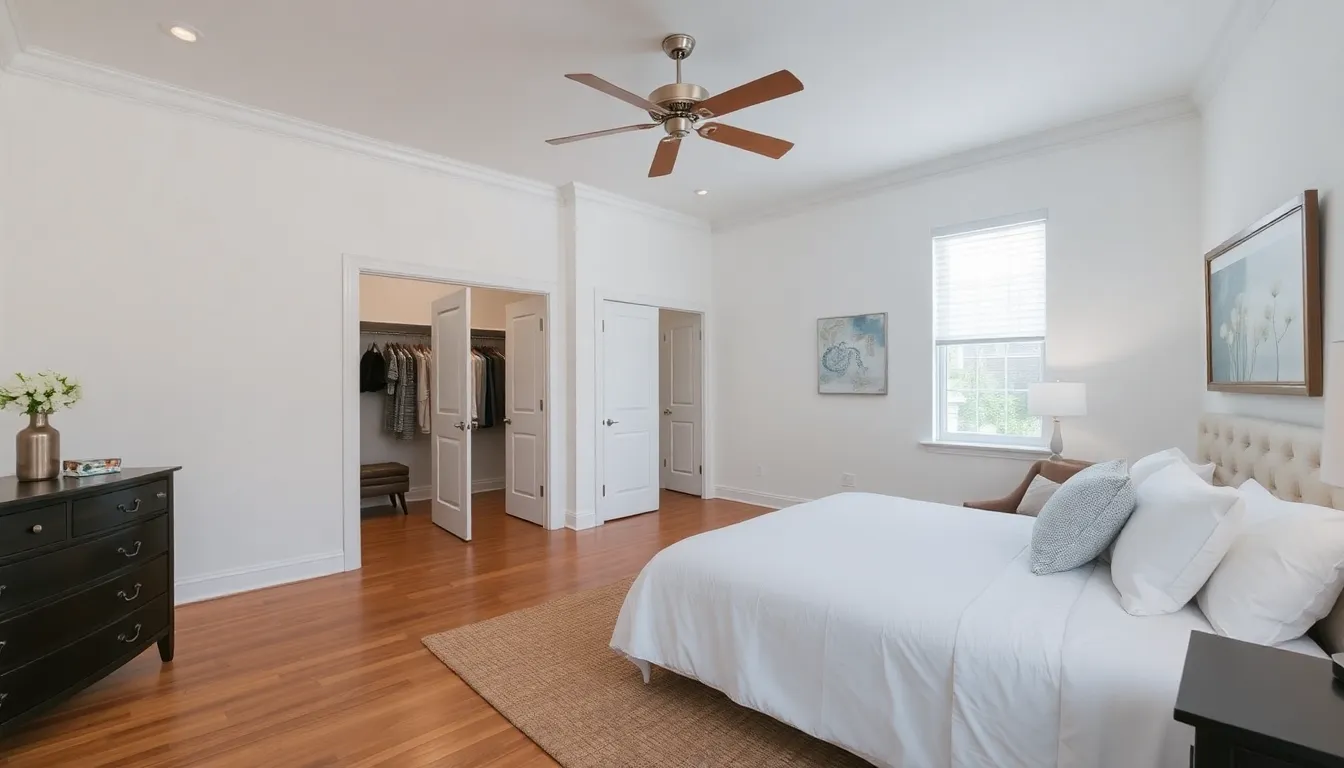
After testing dozens of AI renovation tools, DecorAI consistently delivers the best combination of quality, speed, features, and value. Here's why it stands above the rest:
Photorealistic Results That Contractors Trust
DecorAI's AI produces renders so realistic that contractors and designers regularly use them as reference images. The AI preserves your room's actual architecture while applying professional-grade design transformations.
60+ Design Styles
From Modern and Scandinavian to Industrial and Art Deco, DecorAI covers every major interior design style. Explore the full range in our style guide.
Works on Every Room (Including Outdoors)
Kitchens, bathrooms, bedrooms, living rooms, home offices — and even exterior spaces. DecorAI handles them all with room-specific AI intelligence.
Generous Free Tier
DecorAI offers free transformations so you can test the quality before committing. No credit card required, no watermarks, and no strings attached. This makes it the best AI home renovation app free option available today.
Available Everywhere
Use DecorAI on your phone (iOS and Android) or on the web. Snap a photo on-site, get your AI renovation render instantly, and share it with your contractor before leaving the room.
How to Use AI Renovation Apps for Kitchen & Bathroom Remodels
Kitchen and bathroom renovations are the two most common (and most expensive) home improvement projects. Here's how to get the best results from your AI remodeling app for these critical rooms.
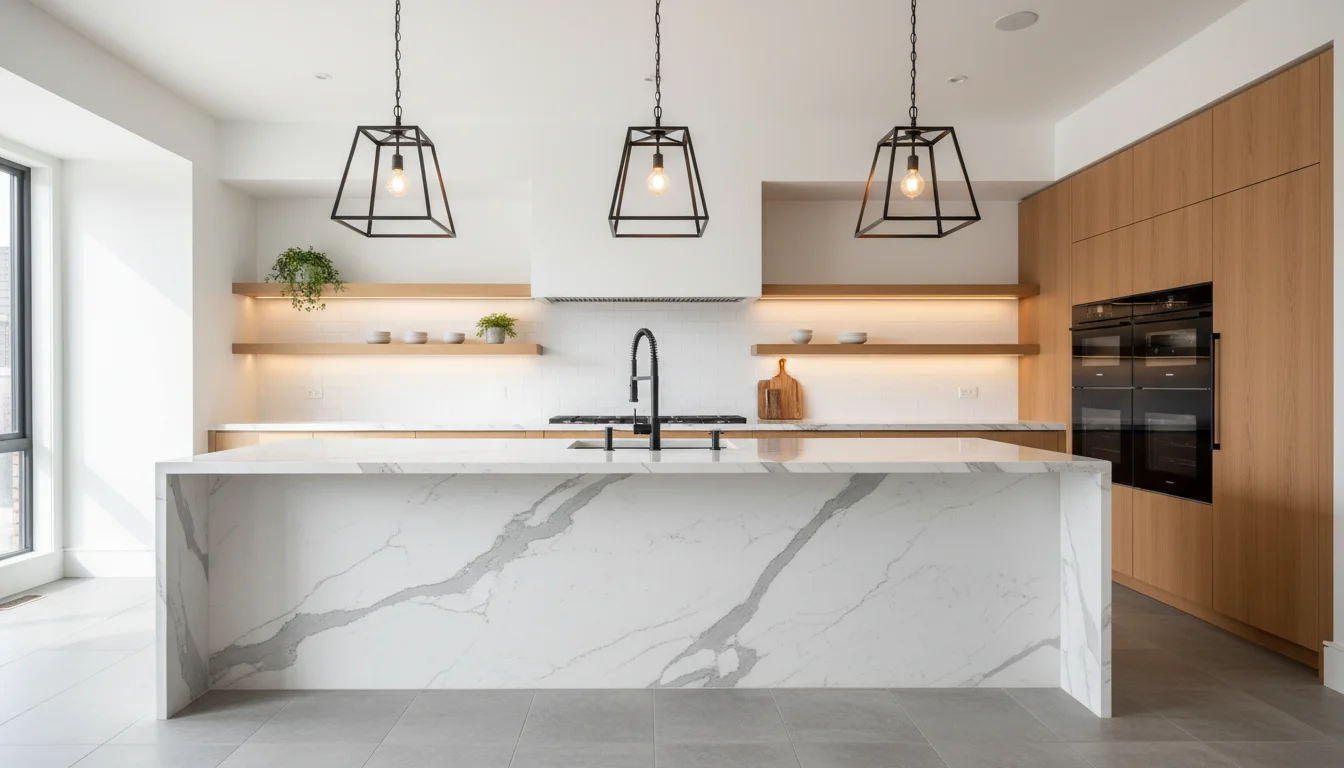
Kitchen Renovation Tips
- Photograph from the doorway — This captures the most counter space, appliances, and cabinetry in a single shot
- Include the island — If you have or want an island, make sure it's in frame so the AI can redesign it
- Try contrasting styles — Run the same kitchen photo through Modern, Farmhouse, and Industrial to see the dramatic differences
- Focus on the pain points — If you hate your countertops, try styles known for different counter materials
For more kitchen-specific advice, read our dedicated AI kitchen remodel guide.
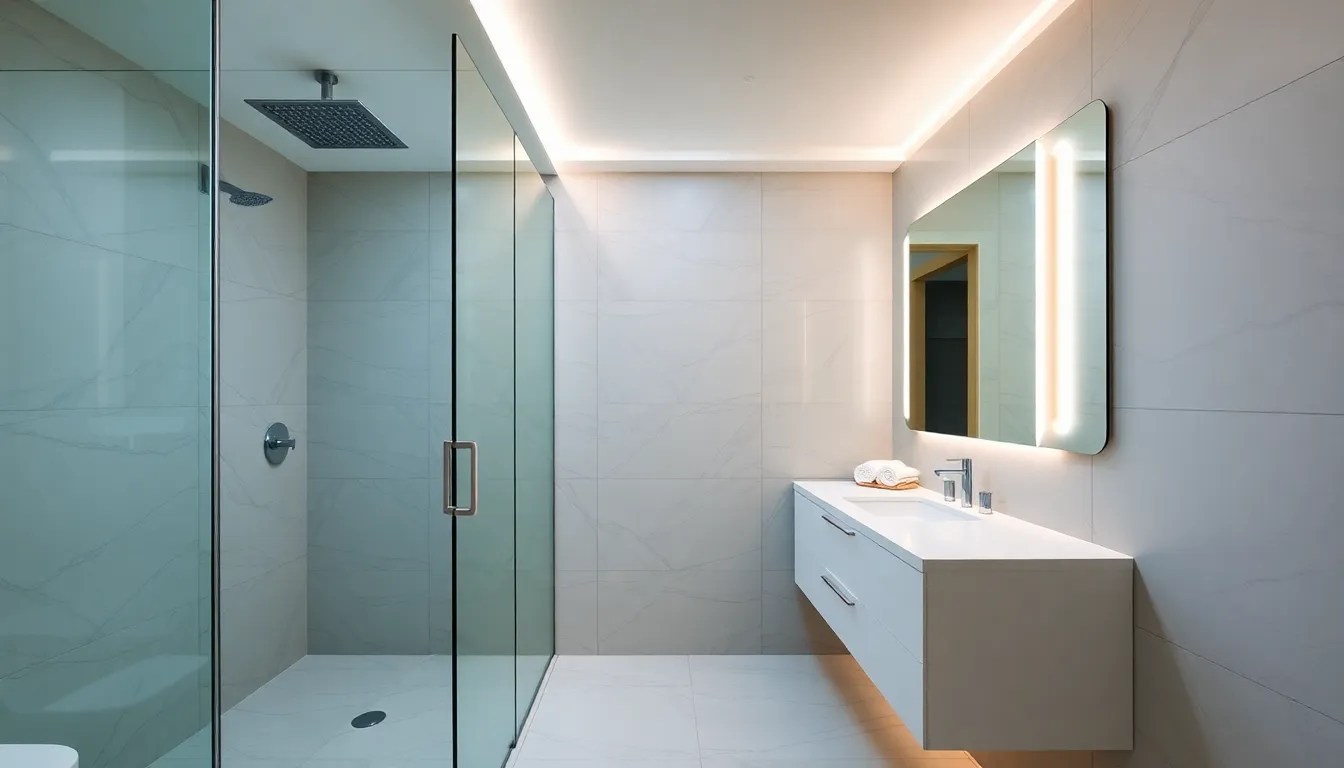
Bathroom Renovation Tips
- Capture the shower/bath area — This is usually the focal point and the most expensive element to change
- Show the vanity — AI can transform vanity styles, sink types, and mirror designs
- Good lighting matters — Bathrooms are often poorly lit; turn on all lights before photographing for better AI results
- Try spa-inspired styles — Modern AI renovation renders of spa-style bathrooms are among the most impressive transformations

The Bottom Line: Which AI Renovation App Should You Choose?
If you're planning any kind of home renovation — from a single room refresh to a whole-house remodel — an AI renovation app is now an essential planning tool. It saves money, prevents regrets, and makes the entire process more enjoyable.
For the best combination of quality, features, and a genuinely useful free tier, DecorAI is the clear winner. Start with the free version, explore styles for your specific rooms, and upgrade when you're ready to go all-in on your renovation planning.
For more renovation guidance, check out our complete AI home renovation guide and learn how House Beautiful recommends using AI tools in renovation planning.
See Your Renovation Before It Happens
Upload a photo of any room. Choose a style. See a photorealistic renovation render in seconds. Free to start — no credit card required.
Try DecorAI Free

Visualize Your Dream Home Instantly
Don't just read about it. Experience the power of AI interior design with DecorAI's free tool.
Start Designing for FreeWritten by
DecorAI Team
Editorial Team