Can AI Actually Replace an Interior Designer? I Tried for 30 Days
I spent 30 days using AI instead of a human interior designer. Here is what actually happened — which rooms turned out gorgeous, where AI failed, and the honest answer to the question every homeowner is asking in 2026.

I’ll be honest: when people first told me AI was good enough to replace an interior designer, I rolled my eyes. I’d seen the 2023 results — bizarre furniture floating mid-air, walls bending into impossible shapes, ceiling fans growing out of couches. So when the same people started saying it again in 2026, I had to test it myself.
So I did the most direct thing possible. For 30 days, I refused to hire a professional interior designer for my apartment redesign. Instead, I used AI exclusively. One app. One photo of each room. One person (me) making the kind of decisions a real client would make.
Here’s what actually happened — which rooms came out gorgeous, which ones flopped, and the honest answer to the question every homeowner is asking right now: can AI actually replace an interior designer in 2026?
The Setup
Quick context so you know what I was working with:
- A 1,100 sq ft / 102 m² two-bedroom apartment that hadn’t been touched since 2014.
- Rooms in scope: living room, primary bedroom, kitchen, bathroom, home office, and entryway.
- Budget I would have spent on a designer: $3,000 to $5,000 per room based on quotes I’d actually received.
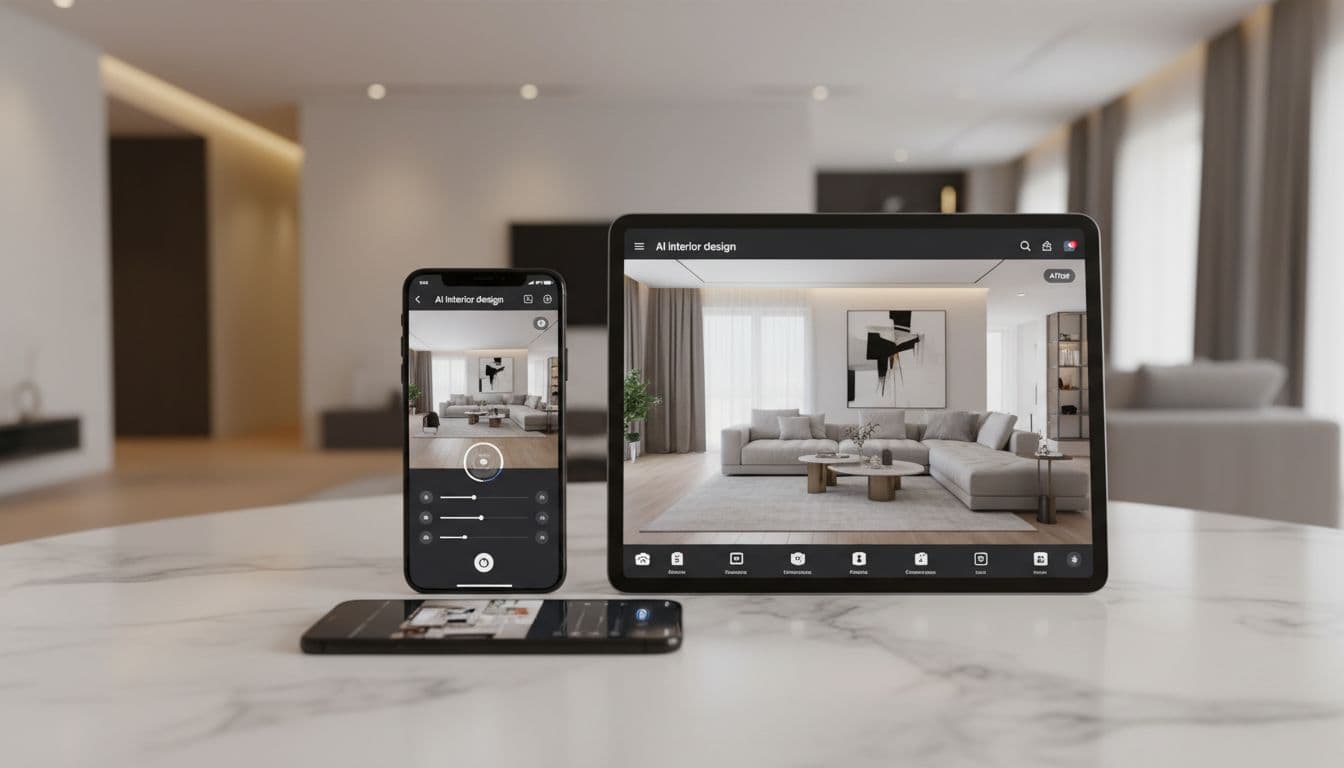
- AI app of choice: DecorAI, on my phone (free tier first, Pro after week one).
- Ground rules: every decision had to start with an AI render. No Pinterest before opening the app. No moodboarding by hand.
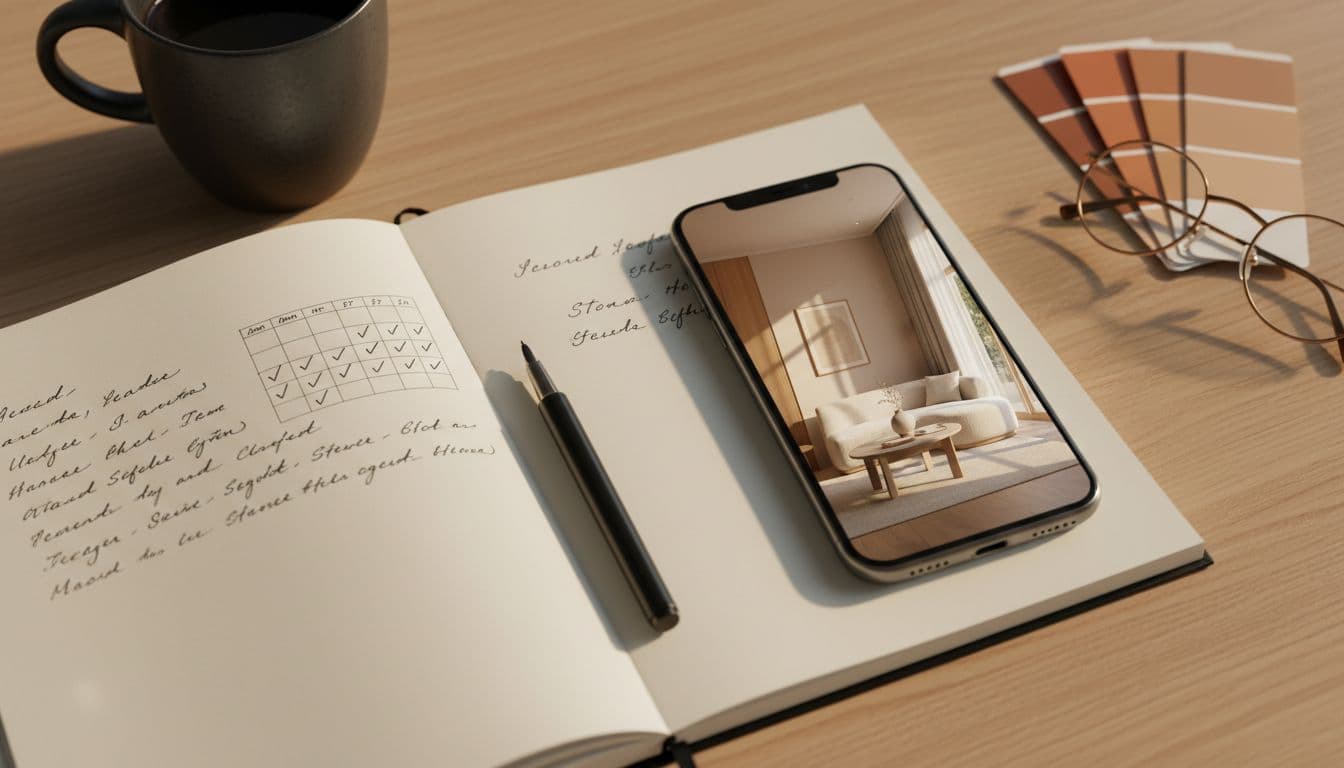
I tracked everything in a notebook — what styles I tried, how long each generation took, where AI nailed it, and the moments I genuinely wished a human designer was in the room with me.
Week 1: The Honeymoon Phase
I started with the living room — the room I cared most about, and the one I was most nervous to mess up.
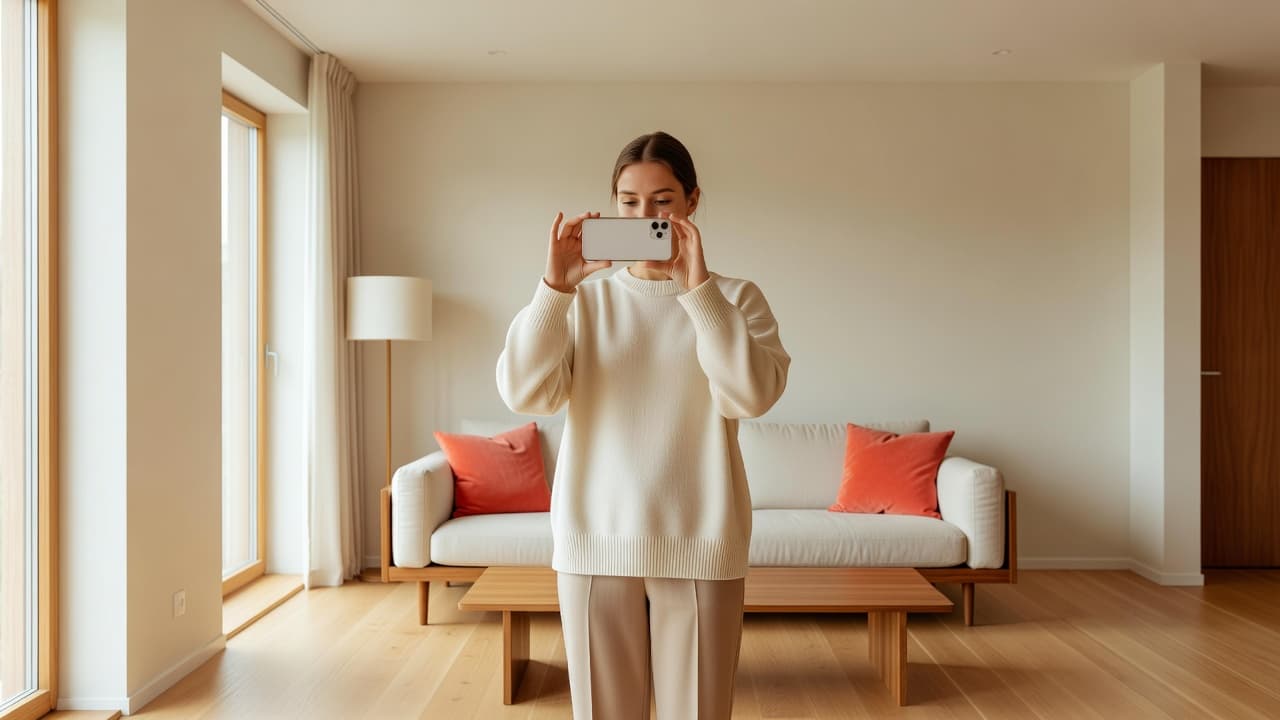
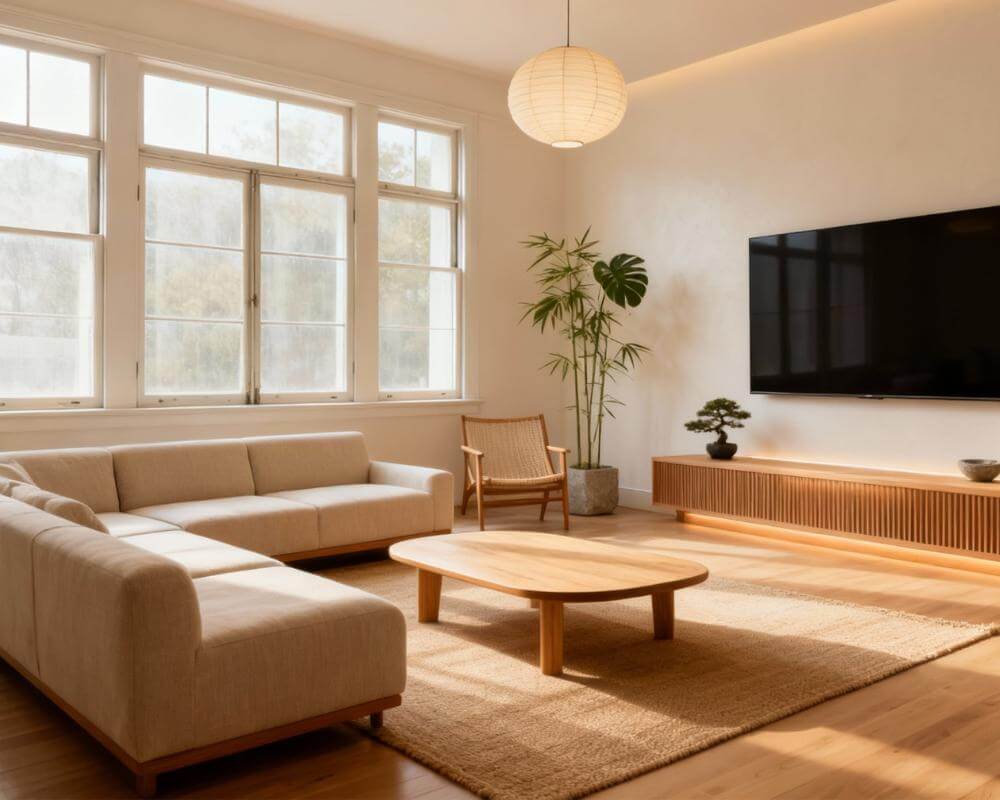
The workflow shocked me. I uploaded a single photo of my living room as-is. Picked "Japandi." Tapped generate. Eight seconds later, I had a fully redesigned version of my actual room — same windows, same proportions, same weird ceiling angle — but warmer, calmer, like someone had finally figured out what to do with the space.
I generated 30 variations in under twenty minutes. Modern Farmhouse. Mid-Century. Coastal. Industrial. Maximalist. Each one used the bones of my real room but felt completely different. The kind of options a designer might show me after a month and four meetings — I had them on my phone before my coffee got cold.
By the end of week one, I’d locked in the direction for my living room (warm Japandi) and my bedroom (a hybrid between Scandinavian and Coastal). My partner saw the renders and said, "How do we make our actual house look like that?" Good question.
Week 2: Pushing Harder
Week 1 felt suspiciously easy. So in week 2 I tested the harder rooms: my kitchen (with an awkward galley layout) and my bathroom (small, no window, oddly long).
The kitchen was where AI really started earning its keep. I tried six styles in a row: Modern, Mediterranean, English Country, Industrial, Mid-Century, and Scandinavian. Every render kept my exact cabinet layout, my real window position, and my fridge alcove. That’s the thing most people don’t get until they try it themselves — DecorAI isn’t generating a stock kitchen "inspired by" yours. It’s generating your kitchen, restyled.
The bathroom was harder. AI made a few choices I wouldn’t have — like wall sconces in a spot where my real wiring couldn’t go. I caught that immediately because I knew my apartment, but a less experienced homeowner might not have. First real crack in the "AI replaces designers" theory: AI doesn’t know what’s behind your walls.
Week 3: Where AI Surprised Me
By week 3, I stopped thinking of AI as a toy and started using it like a real planning tool.
The biggest surprise: AI is excellent at color decisions. I’d been agonizing for months over wall colors. With DecorAI, I tested deep terracotta, warm beige, sage green, off-white, and "greige" on the same exact wall in five minutes. The terracotta looked aggressive on a paint swatch — but stunning in the render. I would never have tried it without seeing it on my actual wall.
A second surprise: AI gave me confidence to commit. The reason designers exist isn’t because color theory is hard — it’s because we’re scared of being wrong. AI removes the fear because I can preview the wrong answer without consequences. Once I saw what "wrong" looked like, "right" became obvious.
I also discovered AI’s biggest weakness in this phase: it doesn’t suggest what to throw away. A human designer would have walked into my living room and said, "Your area rug is killing this whole scheme — replace it." AI just produces a beautiful render with the same bad rug already in it.
Week 4: What I’d Still Hire a Human For
By the final week, I was buying paint, ordering furniture, and rearranging rooms based on AI renders. But I also had a clearer mental list of what AI couldn’t do.
Sourcing. AI shows me a "curved bouclé sofa." Great — now where do I actually buy one that fits my budget, ships to my city, and doesn’t take 14 weeks to arrive? AI doesn’t know. A designer’s trade rolodex is still a real moat.
Project management. Nobody at DecorAI is going to call my plumber, schedule my electrician, or yell at the painter when they show up two hours late. That’s still entirely on me — or on a human designer I’d hire to manage the build.
Taste judgment in edge cases. AI is excellent at conventional good taste. But the weird, brave, idiosyncratic moves — the painted ceiling, the vintage rug in a modern room, the wallpaper most people would say no to — those still come from humans. AI plays it safe. Humans play it interesting.
So no, AI didn’t replace a designer for me. But it replaced about 70% of what a designer used to do.
What AI Won
The areas where AI flat-out beat a designer in my 30 days:
- Speed. Eight seconds vs three weeks. Not close.
- Variation. I tried 200+ styles across my apartment. No human can show you 200 directions.
- Color confidence. Testing paint on the actual wall before buying a single tester pot. Worth the price of the app on its own.
- Cost. About zero in week one and a fair monthly Pro fee thereafter. Designer quotes had been $3,000+ per room.
- Availability. Designers don’t text back at 11pm. The app does.
- Risk-free experimentation. The single biggest unlock. Testing a "wrong" idea has zero cost now.
For the full process I used room by room, I wrote a separate step-by-step guide.
What AI Lost
The areas where AI couldn’t compete with a human:
- Knowing what doesn’t belong. AI improves what’s in the photo. It rarely says "get rid of this."
- Trade connections. Sourcing specific furniture, contractors, electricians, painters.
- Reading the room emotionally. A designer notices you have two kids and a dog and adjusts. AI doesn’t ask.
- Project management. End-to-end coordination is still human work.
- Bold, idiosyncratic taste. AI tends toward "tastefully safe." Great for 80% of homes, frustrating for the other 20%.
- Handling the unknowns behind walls. Wiring, plumbing, structural limits, building codes — AI can’t see them.
If you read "AI replaces designers" articles that don’t acknowledge these, you’re reading hype. AI doesn’t replace designers entirely. It replaces the visualization and ideation parts of design — which honestly make up about 70% of what most homeowners actually need.
Cost Reality Check
Let’s talk numbers, because this is what most people care about.
According to the U.S. Bureau of Labor Statistics, the median pay for an interior designer is roughly $62,000 a year — and design firms typically bill anywhere from $75 to $200 per hour for residential work. A standard whole-home consultation, mood-boarding, sourcing, and revisions can easily run $15,000 to $30,000 even for a modest apartment.
Across my six rooms, the AI workflow cost me almost nothing in money — just a monthly subscription. Even if you compare conservatively against the mid-range designer figures published in places like Houzz, you’re looking at a 95%+ cost reduction for the planning and visualization phase. The savings are not subtle.
So, Can AI Actually Replace an Interior Designer?
Honest answer: not entirely, and probably not for at least another few years. But for most homeowners doing most rooms, AI now does enough of the job that hiring a designer purely for visualization, color, and style direction is no longer the obvious move it was in 2022.
If you’re doing a full ground-up custom build with bespoke millwork and rare materials, hire a designer. You need the rolodex and the project management.
If you’re like me — a normal homeowner redesigning a real apartment with normal constraints — you can do 70% of the job with DecorAI on your phone, then bring in a human if and when you need trade connections or structural advice.
That’s the 2026 reality. Not "AI replaces designers." Just "AI replaces the parts you didn’t really need a designer for." For most homeowners, that’s a pretty great outcome.
Frequently Asked Questions
How much money did the AI workflow actually save me?
Across six rooms, compared to designer quotes I’d received, the savings worked out to roughly $15,000 to $20,000. Most of that was visualization, color decisions, and mood-boarding — work I could do myself with AI rendering my real photos.
Is AI good enough for a real renovation, not just visuals?
For visualization, yes — easily. For construction documents, building permits, and contractor coordination, no. The smart move is to use AI to lock in the vision, then hire trades or a project manager to execute. See our full home renovation guide for how to bridge the two.
Will AI replace interior designers entirely one day?
Probably not — but the role will change. Designers in 2026 are already using AI tools themselves to move faster. The future is less "AI vs designer" and more "AI-augmented designer vs unaugmented designer." For more on this, see our deeper take on AI vs human interior designers.
Which AI interior design app should I use to try this myself?
I used DecorAI for the full 30 days. If you want the long version of why I picked it, see the full best AI interior design app guide for 2026.
Where should I start?
Pick one room. Take one photo. Try DecorAI free and see if your first generation surprises you. Mine did — and that one render basically decided the experiment for me.
Run Your Own 30-Day Experiment
Upload one photo of any room and see what AI can do with your real space. Free to start — no card, no commitment.
Try DecorAI Free

Visualize Your Dream Home Instantly
Don't just read about it. Experience the power of AI interior design with DecorAI's free tool.
Start Designing for FreeWritten by
DecorAI Team
Editorial Team