AI Interior Architecture: How to Visualize House Plans and Room Concepts With AI
Learn how AI interior architecture helps visualize house plans and room concepts before renovation. Explore layout, flow, and style direction with DecorAI.

When people imagine AI interior architecture, they often picture technical blueprints or complicated 3D software. In practice, the real value is much more immediate. AI helps you visualize how a home could feel before you commit to a renovation, a furnishing plan, or a whole new layout direction. It gives shape to ideas that are otherwise stuck in floor plans, screenshots, and vague conversations.
That makes AI especially useful during the concept phase. If you are trying to understand how an open-plan living area should flow, how a primary suite could feel calmer and more connected, or how an entry sequence should work day to day, AI can make those possibilities visible. This article explains how to use that process well and how DecorAI - AI Interior Design fits into a practical house-planning workflow.
What AI Interior Architecture Actually Means
AI interior architecture sits between raw architectural planning and final decoration. It is not a replacement for licensed construction drawings, engineering, or code-compliant documentation. Instead, it helps you visualize how structure, layout, circulation, proportion, and style might come together in a lived-in environment. That is why it is so useful before construction begins or before major design decisions get locked in.
If you are working from a house plan, renovation idea, or room concept, AI helps answer questions such as: Does this open-plan layout feel coherent? Does the bedroom suite feel restful or oversized? Does the entry have enough storage and visual calm? Does the living room architecture support built-ins, symmetry, or a stronger focal wall? Those are concept questions, and concept clarity can save time, budget, and confusion later.
Sources like Dezeen frequently show how strong residential design depends on proportion, material continuity, and spatial flow rather than individual objects alone. AI can help you test those relationships much earlier than a traditional furniture-shopping process would.
Why House Plans Need Visualization Before Renovation
A floor plan can explain dimensions, but it cannot fully communicate atmosphere. It does not tell you how sunlight will travel through the kitchen-dining zone, whether the hallway feels elegant or narrow, or whether the living room architecture feels grounded enough to support a built-in wall. That is where ai design house plan workflows become so helpful.
By turning a concept into a visual environment, AI helps you evaluate more than square footage. You can judge openness, hierarchy, furniture scale, and emotional tone. A layout may look efficient on paper yet still feel awkward once visualized. Another option may appear more spacious, calmer, and easier to live in, even if the dimensions are similar. Seeing those differences early can protect both design quality and renovation budget.
Where DecorAI Fits Into the Planning Process
DecorAI is especially useful when you already have a direction but need to make it feel real. Maybe you have a floor plan, a renovation sketch, or a room photo and you want to explore how the space could actually look once it is organized into a coherent architectural idea. DecorAI helps by turning that concept stage into something visual enough to compare and refine.
That makes the tool a bridge between planning and decision-making. You are not using it to replace technical professionals. You are using it to reduce ambiguity before you brief them, hire them, or spend money on the wrong direction. If you pair it with our AI floor planner guide and AI renovation guide, it becomes part of a much stronger overall workflow.
Use Case 1: Visualizing an Open-Plan Home
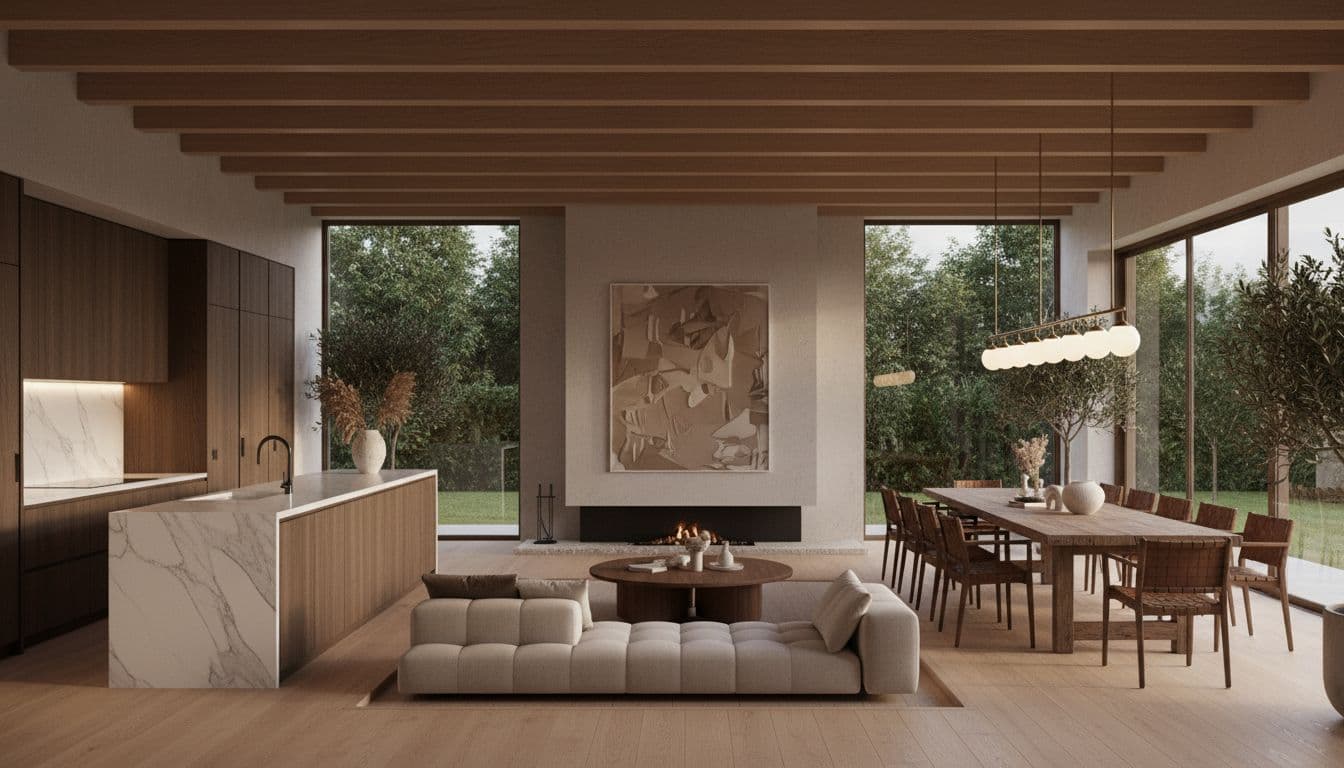
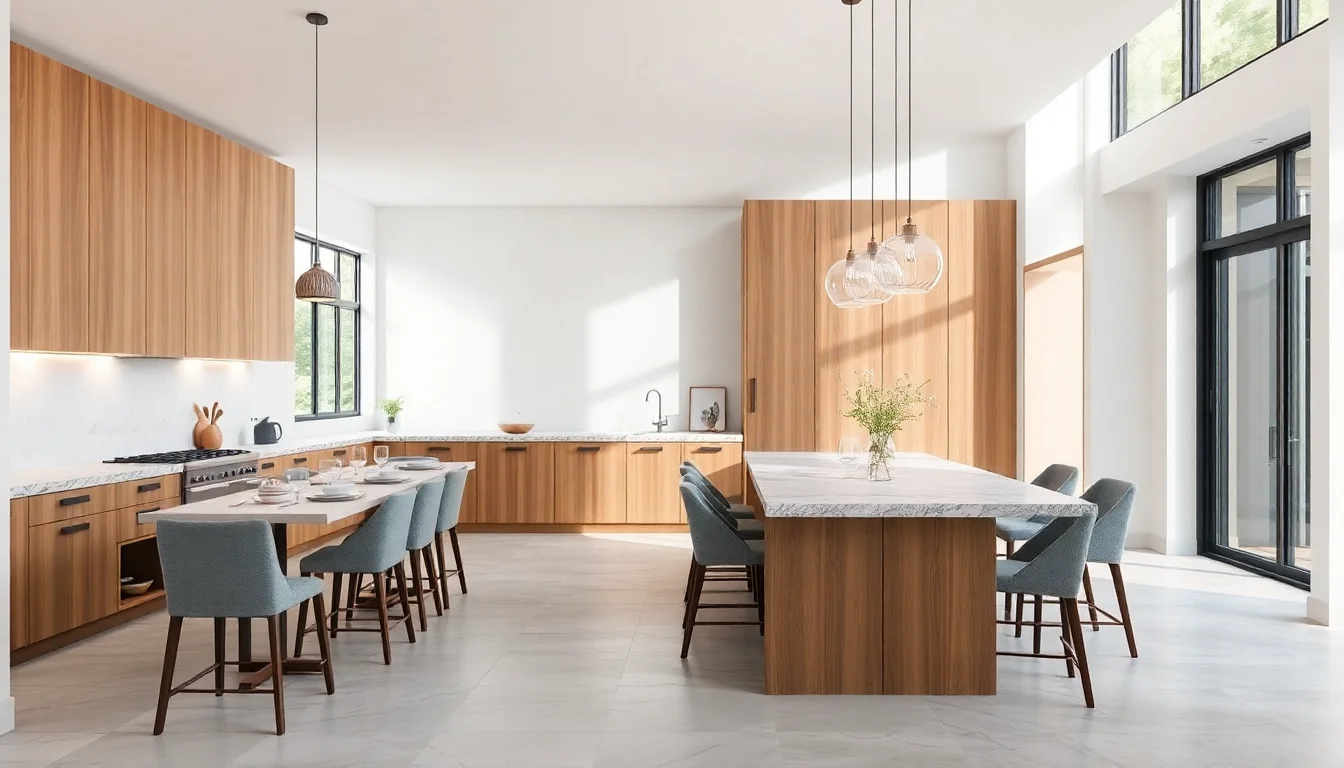
Open-plan spaces are one of the best applications for ai design architecture because they succeed or fail on flow. It is not enough to fit the furniture. The zones need to feel connected but not messy, distinct but not chopped up. The kitchen, dining, and living areas should relate through light, material, and sightlines.
AI helps you test whether those relationships feel intentional. You can see whether an island anchors the kitchen properly, whether the dining table has enough breathing room, and whether the living area still feels like its own destination rather than leftover space. When the visual sequence works, the house starts to feel designed instead of merely arranged.
This is also where material continuity matters. Repeating wood tones, a restrained palette, and consistent architectural detailing often make an open-plan layout feel calmer. Publications like ArchDaily regularly show that residential architecture feels strongest when transitions are resolved with intention rather than decoration alone.
Use Case 2: Designing a Primary Bedroom Suite
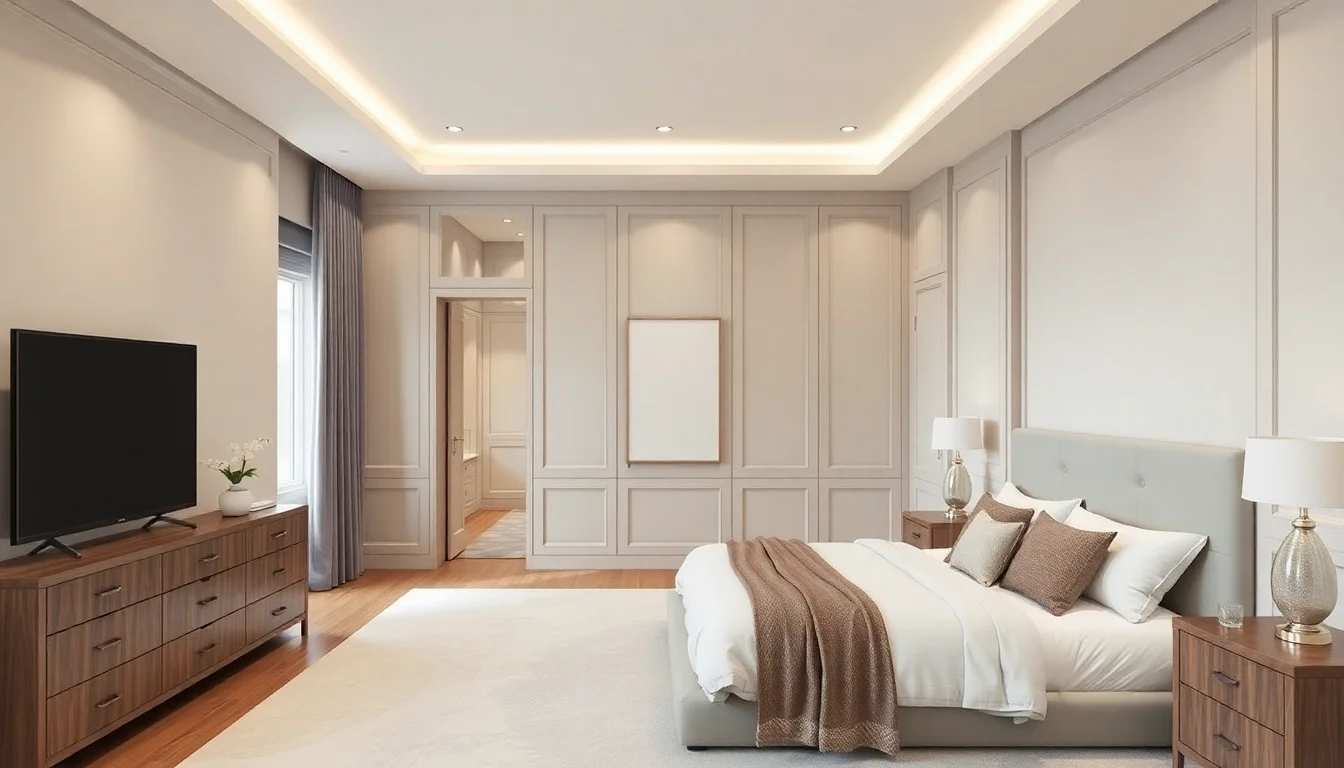
A primary suite is more than a bedroom with a larger bed. It should feel composed, private, and easy to move through. AI can help you judge that by showing how storage, headboard walls, built-in elements, and lighting layers come together in one concept. Instead of asking whether the room is “big enough,” you can ask whether it feels balanced.
That is a much better design question. A bedroom may have plenty of square footage and still feel unresolved if the bed placement is weak, the millwork feels disconnected, or the lighting strategy is flat. AI helps surface those problems visually so you can refine the concept before you shop or renovate. It is especially helpful if you are deciding between calm hotel-like minimalism and a richer, more layered suite atmosphere.
Use Case 3: Making the Entry and Hallway Feel Intentional
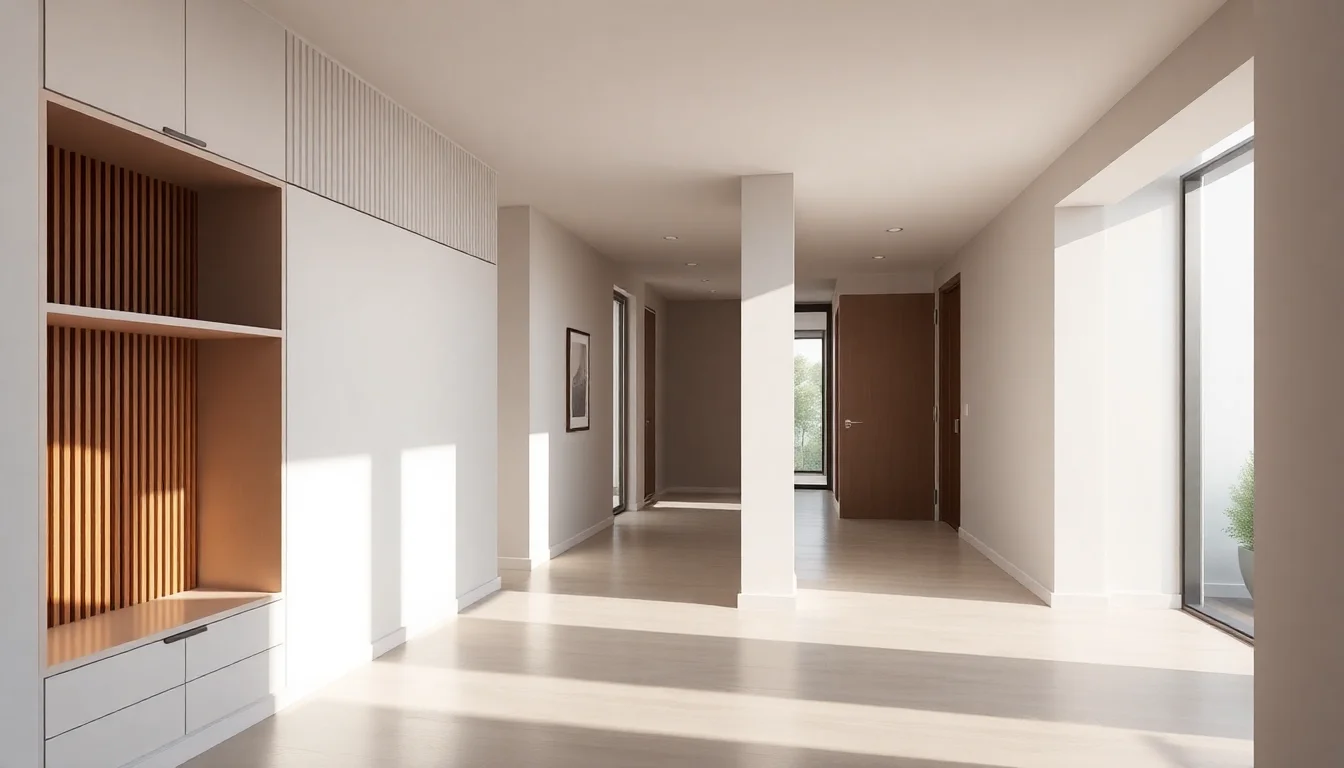
Entry areas and hallways are easy to ignore because they are transitional spaces, but they do a huge amount of emotional work in a home. They create first impression, control clutter, and set the visual tone for what comes next. A weak entry often makes the whole home feel unresolved, no matter how polished the living room is.
AI can help by turning that often-overlooked zone into a designed sequence. You can test built-in storage, slatted walls, benches, mirrors, lighting rhythm, and sightlines into the rest of the home. Once the transition feels intentional, the rest of the architecture usually feels stronger too. Better Homes & Gardens often emphasizes that practical storage is one of the quiet foundations of good design, and that is especially true in transitional spaces.
Use Case 4: Planning a Living Room With Built-Ins
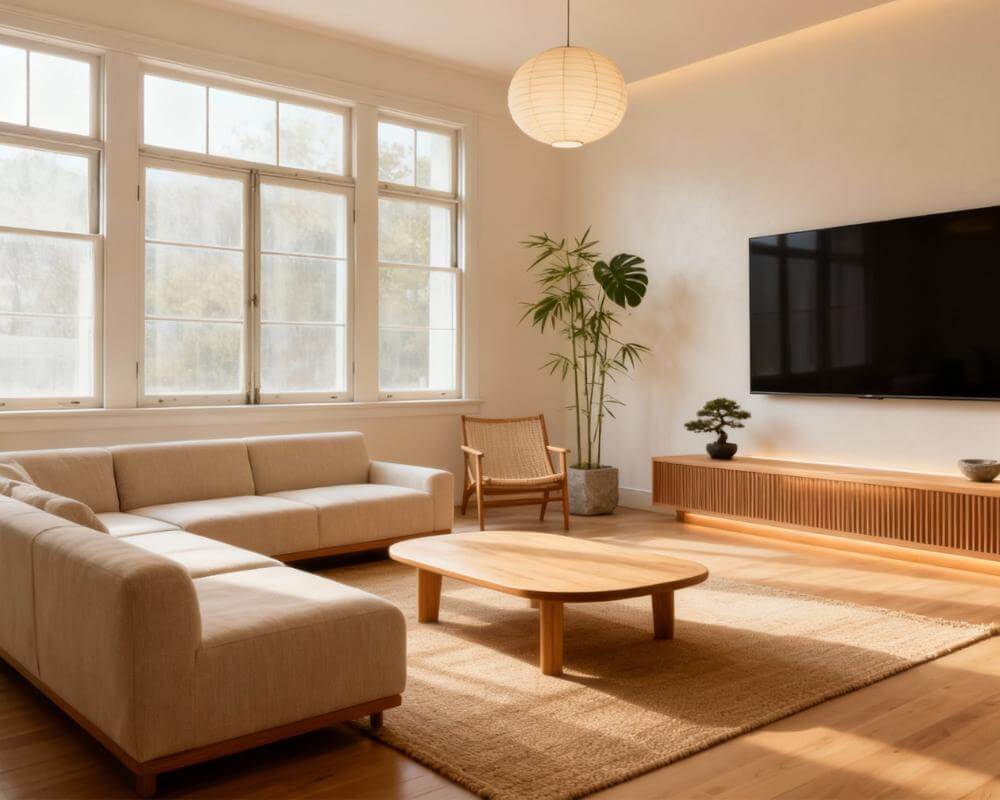
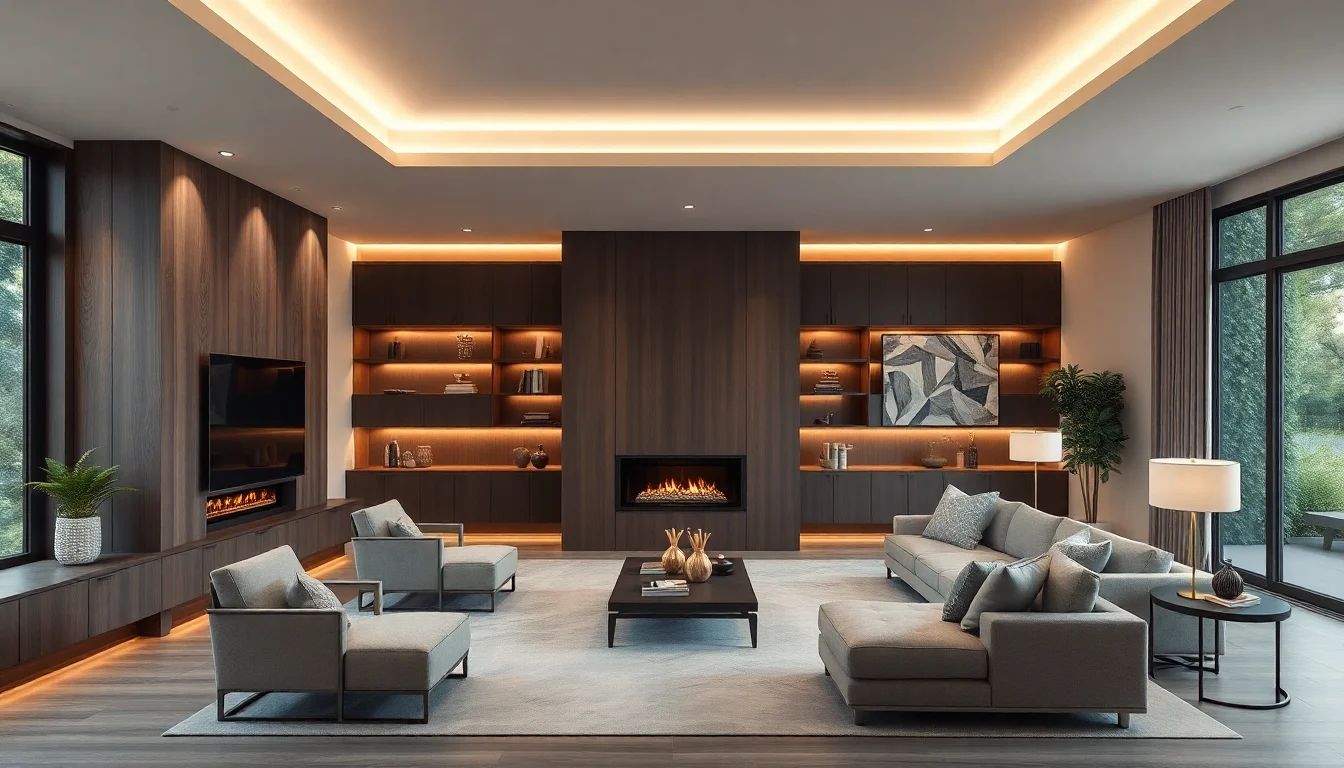
Living rooms are one of the easiest places to see the difference between surface styling and architectural thinking. A sofa and rug can improve a room, but built-ins, fireplace walls, integrated shelving, and window relationships often determine whether the space feels truly resolved. This is where ai design home workflows become especially useful.
AI can help you compare focal-wall strategies, shelf proportions, fireplace treatment, and how all of those interact with seating and light. If you are considering custom joinery or a larger renovation move, that visual clarity matters. It helps you see whether the idea adds structure and calm or simply creates more visual weight than the room can support.
How to Use AI Interior Architecture Well
The best results come from using AI to answer a focused question. Do not ask it to solve the entire house at once. Start with one spatial problem: an open-plan layout, a suite, a hallway, or a focal wall. Then evaluate the concept against a few practical criteria:
- Flow: does movement through the space feel intuitive?
- Hierarchy: is there a clear focal point or center of gravity?
- Scale: do architectural elements and furniture feel proportionate?
- Continuity: do materials and tones carry through logically?
- Reality: does the concept feel achievable within your project scope?
This is also why AI should sit alongside, not instead of, other planning tools. Our AI interior design software guide helps compare tool types, while our AI design ideas article is useful once the architecture feels resolved and you are ready to explore room-specific mood and finish directions.
What AI Cannot Replace
AI is powerful for visualization, but it cannot replace structural engineering, code compliance, load calculations, technical detailing, or licensed documentation. If a wall is moving, plumbing is changing, or cabinetry needs exact site measurements, those tasks still require the right professionals. The win is that AI gives you a much clearer concept before those conversations begin.
That clarity often leads to better outcomes. Instead of saying, “We want something modern and open,” you can say, “We want this kind of kitchen-dining relationship, this type of entry storage, and this calmer built-in focal wall.” Better briefs usually lead to better design work and fewer revisions.
FAQ: AI Interior Architecture
Can AI create real house plans?
AI can help visualize house-plan concepts, but it should not replace technical construction drawings or licensed documentation.
Is AI useful before a renovation starts?
Yes. It is one of the best times to use it because visual clarity early in the process helps avoid weak layout and style decisions later.
What is the best way to use DecorAI for architecture-focused projects?
Use it to test one spatial question at a time, such as open-plan flow, built-ins, suite mood, or hallway storage, then translate the strongest concept into a more detailed project brief.
Visualize the Home Before You Change It
Use DecorAI to explore room concepts, open-plan flow, and architectural direction before you commit to renovation decisions, custom work, or major purchases.
Try DecorAI Free

Visualize Your Dream Home Instantly
Don't just read about it. Experience the power of AI interior design with DecorAI's free tool.
Start Designing for FreeWritten by
DecorAI Team
Editorial Team