AI Basement Design: Turn Unfinished Space Into a Proper Room
Use AI basement design to visualize finishing your unfinished basement. Home theater, gym, playroom, or guest suite — test every idea on your real basement photo.
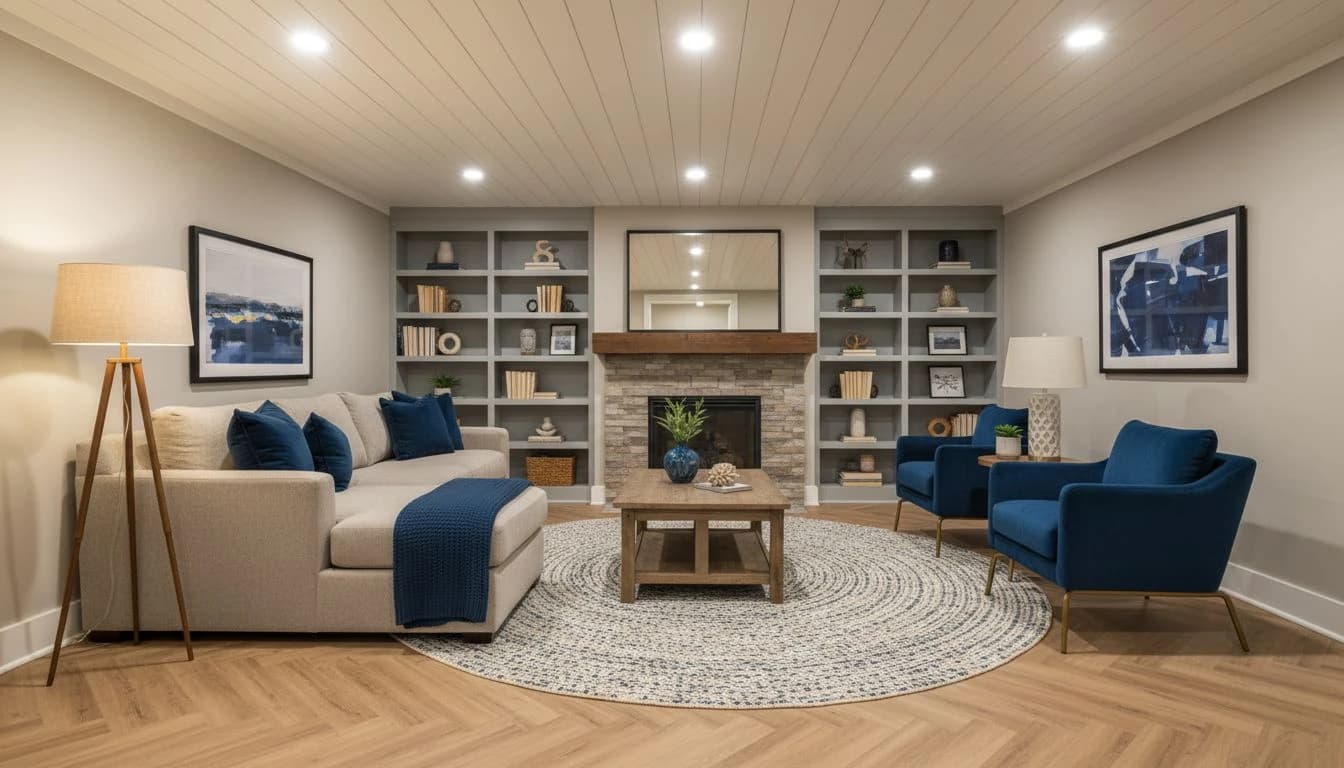
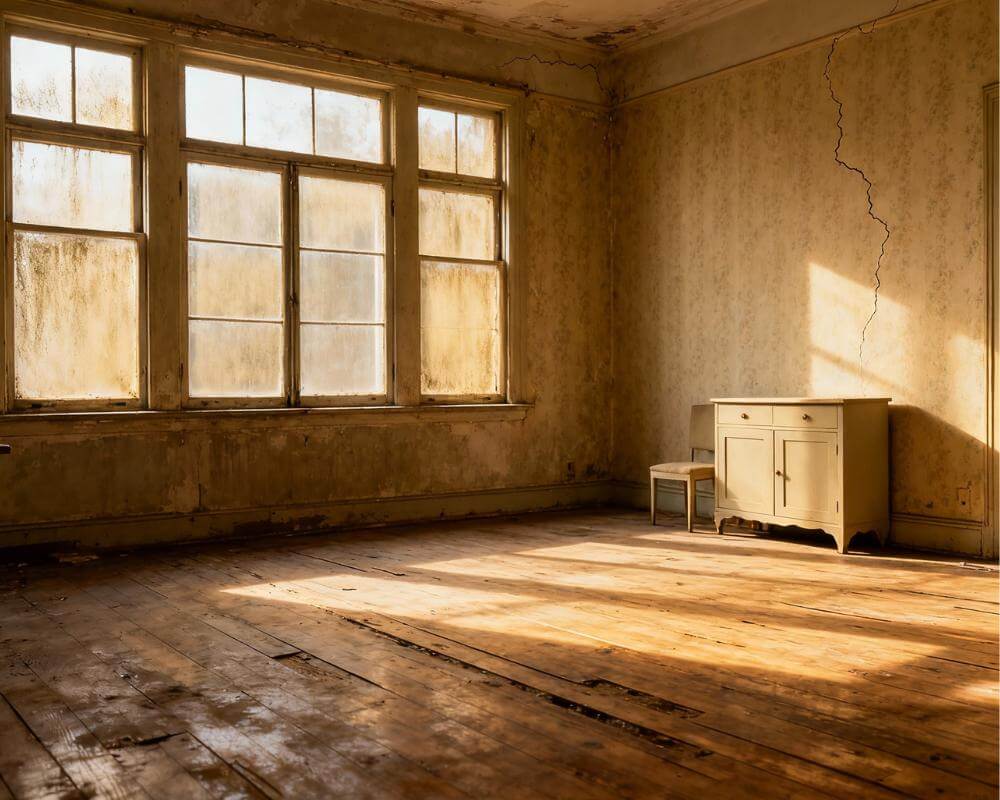
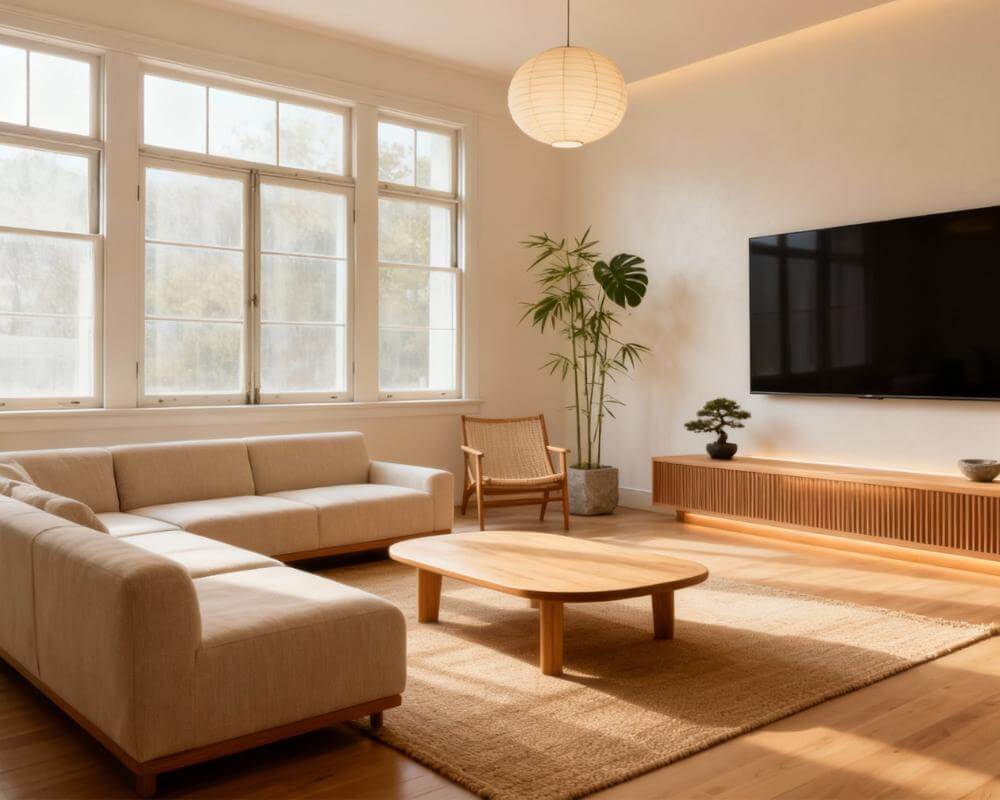
Most unfinished basements are quietly the most valuable underused square footage in the home. They are dry, framed, often partially wired, and almost always large enough to become a real room — and yet they remain storage warehouses for boxes, holiday decor, and exercise equipment nobody uses. AI basement design changes the math by letting you visualize the finished space on a photo of your actual basement before you commit to drywall, flooring, or a contractor brief.
This guide explains how DecorAI - AI Interior Design helps homeowners explore the most popular basement finishing directions — home theater, gym, guest suite, playroom, home office — and how to choose the right one for your house, family, and budget. The goal is not to make every basement look the same. The goal is to find the version of your basement that earns its square footage every week of the year.
Why Unfinished Basements Are the Biggest Untapped Renovation Win
Square foot for square foot, finishing a basement is one of the highest-return renovation projects most homeowners can make. The shell is already there. Foundation, framing, and often electrical rough-in are existing. The remaining work — insulation, drywall, flooring, finished ceiling, lighting, and millwork — costs less per square foot than adding new construction and almost always less than moving to a larger home.
The catch is decision quality. A finished basement that ends up as "a beige room with a TV and a treadmill" rarely justifies the spend. A finished basement that becomes a genuine theater, a real gym, a hotel-quality guest suite, or a playroom the kids actually use every day adds both daily value and long-term resale appeal. AI makes the difference because it forces the design decision to happen before the framing.
Basement Design Challenges AI Can Address Visually
Basements have a specific set of design challenges that AI is particularly good at solving. Low ceilings need careful ceiling treatment so the room reads as intentional rather than oppressive. Limited natural light needs a deliberate layered lighting plan rather than a single overhead fixture. Moisture history requires the right floor, wall, and material choices. Awkward column placements and HVAC runs need to be either hidden or celebrated — never ignored.
Generating two or three basement directions in DecorAI surfaces all of these constraints visually. You see immediately whether a low ceiling looks better with a planked treatment or a painted matte black, whether the column is best hidden inside a wall or wrapped as a feature, and whether the lighting layout supports the intended use. That clarity translates directly into a stronger contractor brief and fewer mid-project surprises. Publications like Better Homes & Gardens regularly publish basement renovation walkthroughs that align well with these AI-tested principles.
Popular Basement Uses: Theater, Gym, Guest Suite, Playroom, Office
The five most-finished basement uses are not equally suited to every house. AI helps you preview each on your actual space so you can pick the one that fits.
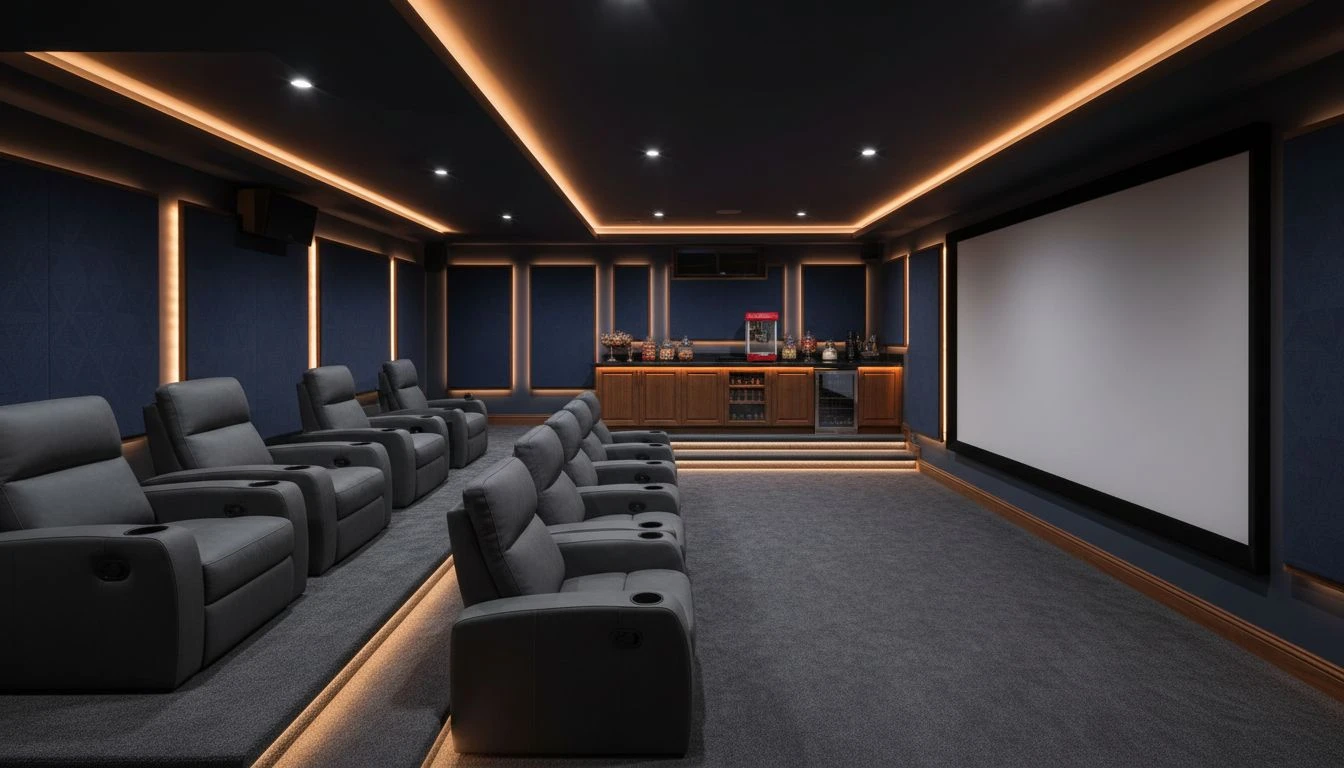
Home theater basements work because basements are naturally dark, quiet, and acoustically insulated by the foundation. Tiered seating, acoustic wall panels, and a serious projector beat any above-ground media setup. AI is particularly useful for testing seat layouts, screen size relative to the wall, and ambient lighting that reads as cinema rather than office. Even modest budgets can produce theater-quality results when the design decisions are right.
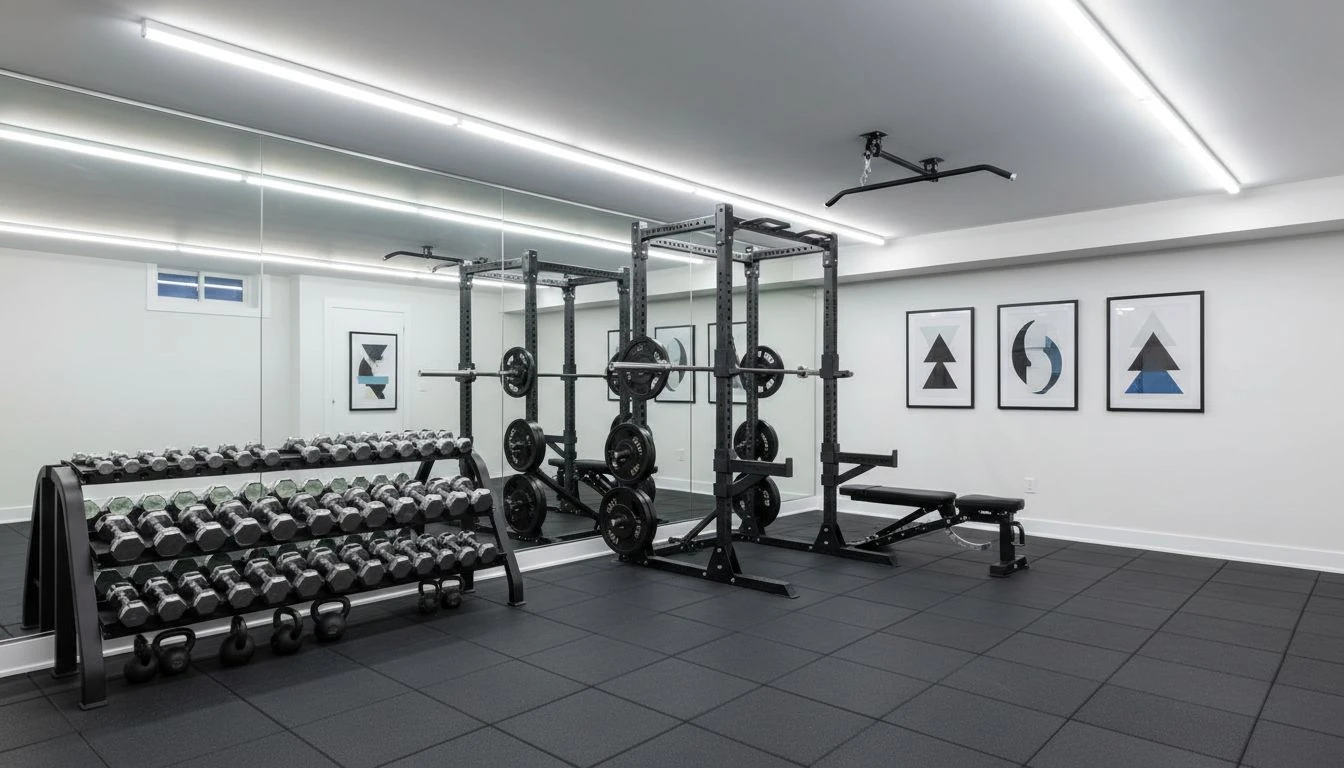
Gym basements are the most underrated use because they get used almost every day. Rubber tile flooring, a mirror wall, a rack with dumbbells and kettlebells, a single squat rack and bench — that is enough for 90% of home fitness needs. AI helps you confirm ceiling clearance, equipment spacing, and lighting that makes a windowless space feel energetic rather than dim.
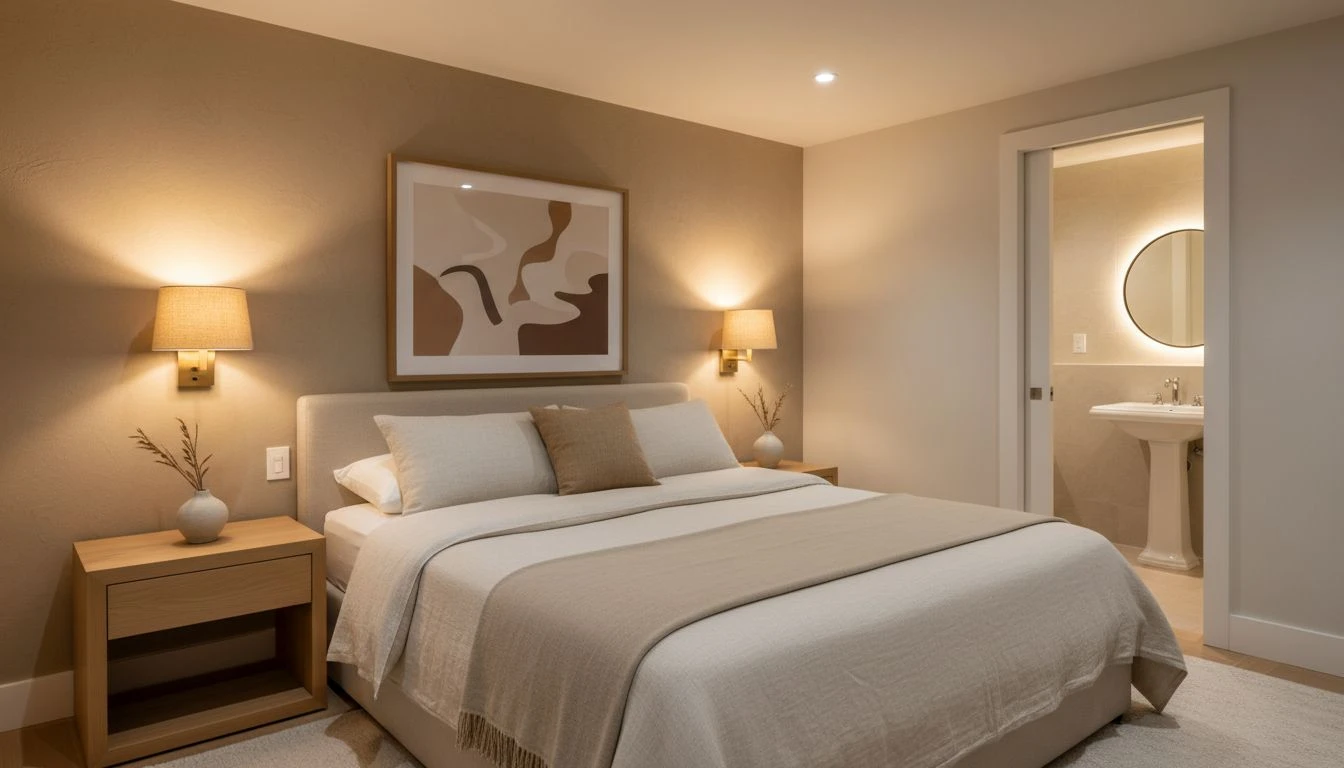
Guest suite basements turn the basement into a quasi-apartment with queen bed, ensuite bath, small sitting area, and ideally a basic kitchenette. The privacy is unmatched, and the resale value is real. AI is helpful here for previewing how the suite reads under low natural light — warm sconces, layered lamps, and pale wall colors do the work that windows usually do upstairs.
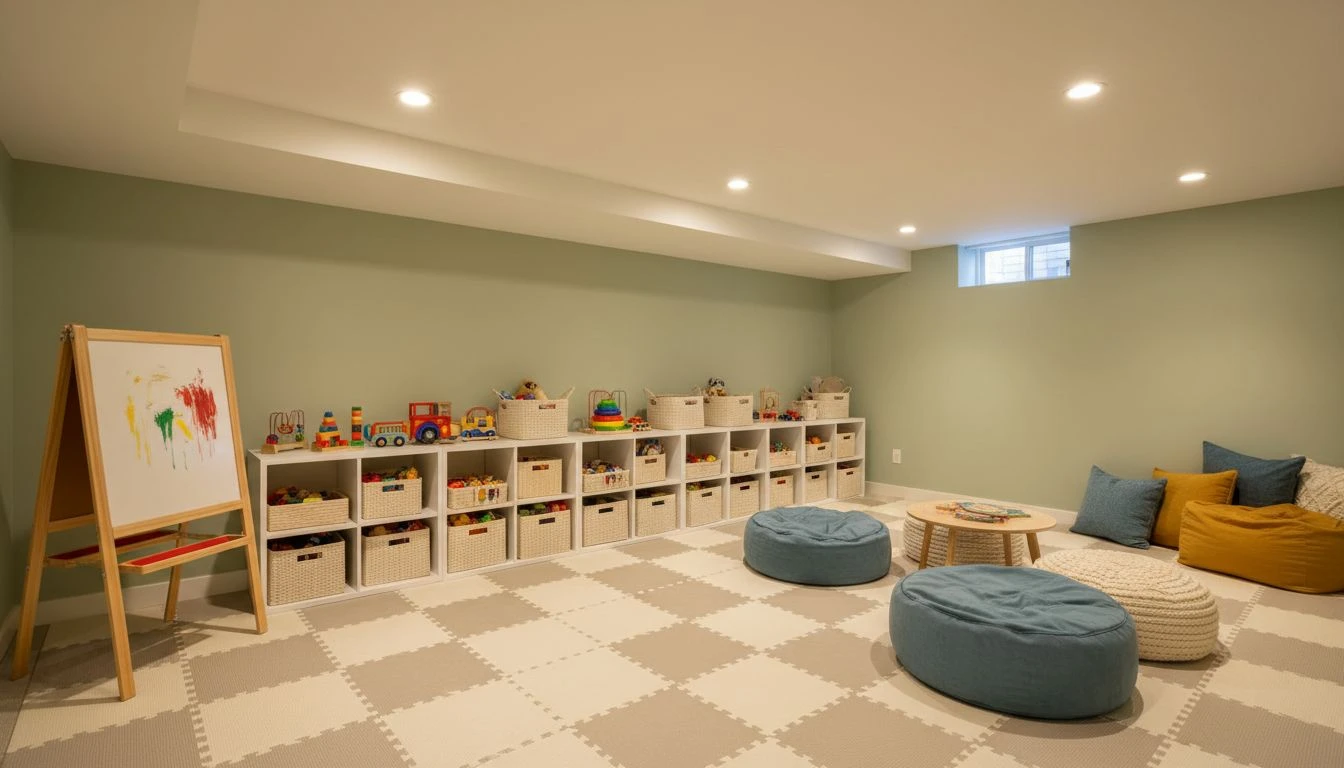
Playroom basements are the family-favorite choice and the most-used by far in households with young children. Padded floor mats, low open shelving for toys, an art easel, a reading nook with bean bags, and washable wall paint solve almost the entire brief. AI helps you confirm that the layout supports both energetic play and a calm reading zone in the same room without competing.
Home office basements are the quiet productivity win. Below-grade quiet, no neighborhood traffic noise, and natural separation from the household routine make basements an underrated office option. Pair this idea with our AI home office design guide for layout and lighting principles that translate directly to a basement setting.
Lighting Strategies for Windowless Spaces
Lighting is the single most important basement design decision after flooring. A basement with one overhead can-light array reads as a parking garage. A basement with layered lighting — recessed ceiling, wall sconces, table lamps, and an LED cove behind the ceiling perimeter — reads as a real room, even without a single window. AI is especially good at previewing the difference because the visual change is dramatic and instant.
Aim for three lighting layers minimum in any finished basement: ambient (recessed or cove), task (lamps, sconces, or directed fixtures), and accent (picture lights, shelf strips, or low-level mood lighting). Use warm color temperatures around 2700K for living areas and slightly cooler 3500K for gym or office spaces. Adjustable dimming on every layer makes the room flexible across the day.
Sources like House Beautiful regularly cover finished-basement transformations where lighting strategy was the unsung hero of the result. AI lets you preview those strategies on your actual basement before you spec a single fixture.
AI vs Contractor Brief: What to Hand Over
One of the most valuable outcomes of an AI-designed basement is the contractor brief you can hand over. Instead of describing the project in vague terms — "we want a finished basement with a media area and a guest space" — you can hand over generated visuals, layout notes, material direction, lighting plan, and use-zone allocation. Contractors estimate more accurately and design fewer surprises when the vision is visual.
That improved brief usually translates into fewer change orders, faster decision cycles, and a finished result closer to the original intent. The AI design phase costs effectively nothing; the change-order savings during construction often pay for the entire furnishings budget. Pair this approach with our AI home renovation guide for broader renovation planning context.
Real-Basement to Final-Photo Planning Workflow
A practical sequence: photograph the unfinished basement from two or three angles in the brightest light you can achieve. Upload to DecorAI and generate three or four use-direction options — theater, gym, suite, and combined family room are good starting variants. Pick the strongest direction and refine it: ceiling treatment, flooring, lighting plan, and millwork. Translate the refined visual into a contractor brief with notes on materials, fixtures, and finishes.
Inside that workflow, AI is the design phase that traditionally either gets skipped or costs thousands of dollars in designer fees. For most basement projects, the AI-led version produces a stronger plan because you iterate dozens of times in an afternoon rather than two or three times across two months of designer meetings.
FAQ: AI Basement Design
Is finishing a basement worth the investment?
In most cases yes, especially if the basement is dry, has reasonable ceiling height, and is part of a long-term home. Return on investment varies by region, but daily livability gains are usually the bigger story than resale return.
What is the minimum ceiling height for a finished basement?
Most building codes require at least seven feet, though local codes vary. AI design helps you preview how a lower ceiling reads with different treatments — flat painted, planked, or coffered — before you commit to a direction.
Can a basement really feel as nice as upstairs rooms?
Yes, with the right lighting, flooring, and ceiling treatment. The visual difference between a stock-finished basement and a well-designed one is dramatic, and AI is excellent for previewing the difference before construction.
Should I finish the whole basement at once or in phases?
Mechanical, framing, insulation, electrical, and flooring almost always make sense to do at once because they are interdependent. Furnishing and millwork can be phased over months without compromising the core build.
What is the most common basement design mistake?
Treating the basement as an afterthought — choosing flooring, lighting, and layout reactively instead of designing the space with the same care as any other room. AI prevents this by forcing the design decision to happen upfront, on a photo of the real space.
Visualize Your Finished Basement Before You Build
Use DecorAI to preview theater, gym, guest suite, and playroom directions on a photo of your real basement. Stronger plan, stronger brief, stronger result.
Try DecorAI Free

Visualize Your Dream Home Instantly
Don't just read about it. Experience the power of AI interior design with DecorAI's free tool.
Start Designing for FreeWritten by
DecorAI Team
Editorial Team